EasyManua.ls Logo

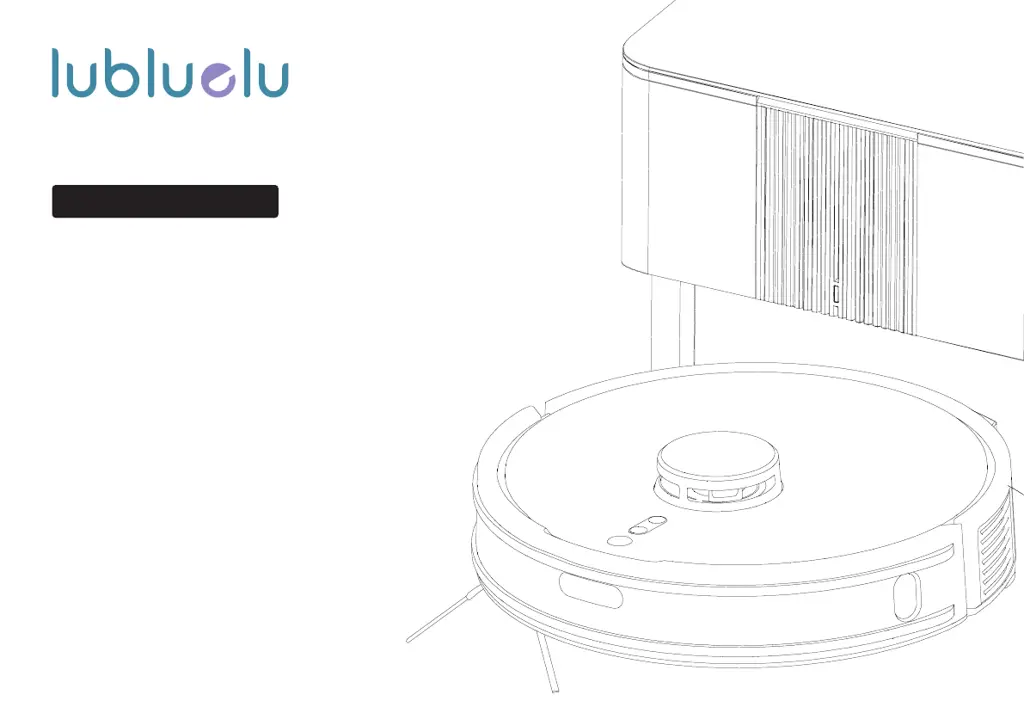
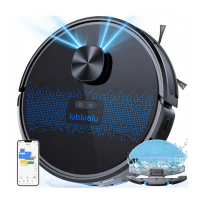
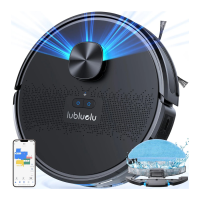
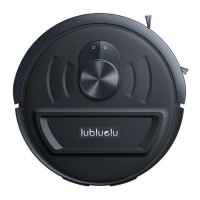
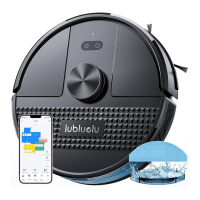
lubluelu C710 - User Manual

Default Icon
143 pages
Print Icon
To Next Page IconTo Next Page
Loading...
Model:A901+C710
Robot Vacuum Cleaner
Make Your Daily Cleaning Easy
It’s herewith comfirmed to comply with the
requirements of FCC Part 15 Rules.
Operation is subject to the following twoconditions:
(1) This device may not cause harmful interference, and
(2) This device must accept any interference received,
including interference that may cause undesired
operation.

Questions and Answers

  • M
    Matthew LawrenceSep 3, 2025
    Why appointment cleaning cannot be activated on lubluelu Vacuum Cleaner?
    • C
      Calvin FletcherSep 3, 2025
      If your lubluelu Vacuum Cleaner appointment cleaning cannot be activated, it may be because the remaining battery is less than 15%. Ensure the battery is charged above 15% to activate the appointment cleaning feature.
  • K
    Karina RogersSep 1, 2025
    Why is the status indicator of lubluelu C710 base always red?
    • C
      calvinsilvaSep 2, 2025
      If the status indicator of the base of your lubluelu Vacuum Cleaner is always red, indicating abnormal air pressure detection, check for blockages in the vacuum port, passage port, filter assembly, or air outlet of the base. Clean these areas to ensure there are no obstructions.
  • H
    Henry GardnerAug 31, 2025
    What to do if my lubluelu C710 has abnormal behaviors?
    • D
      Dr. David Jackson MDAug 31, 2025
      If your lubluelu Vacuum Cleaner exhibits abnormal behaviors, power it off and then restart it.
  • J
    Jessica Santos MDAug 29, 2025
    What to do if lubluelu C710 cannot return to charging base?
    • S
      Stacey WadeAug 29, 2025
      If your lubluelu Vacuum Cleaner isn't returning to the charging base, it might be too far away. Move the robot closer to the base and try again. The charging may also be disturbed if the base is surrounded by debris.
  • M
    Mrs. Whitney DennisAug 27, 2025
    How to switch on lubluelu Vacuum Cleaner?
    • J
      John HayesAug 28, 2025
      If your lubluelu Vacuum Cleaner cannot be switched on, the battery might be low. Place the robot on the charging base spring contact to automatically power it on. Also, ensure the ambient temperature is between 0°C and 40°C.
  • L
    Linda GrossAug 26, 2025
    Why is my lubluelu C710 Vacuum Cleaner failing WIFI connection?
    • R
      Robert WestAug 26, 2025
      If your lubluelu Vacuum Cleaner fails to connect to WIFI, ensure the robot is within a strong WIFI signal range. If the signal is strong, reset the WIFI connection, download the latest phone client, and try again. Also, verify that you are using the correct WIFI password and that your WIFI band is 2.4G, as this robot only supports that band.
  • J
    jeremy85Aug 25, 2025
    How to fix strange noises when cleaning with lubluelu Vacuum Cleaner?
    • J
      Joshua WarnerAug 25, 2025
      If your lubluelu Vacuum Cleaner is making strange noises while cleaning, the main brush, side brush, or wheel may be entangled with foreign objects. Power off the device and then carefully clean these components.
  • H
    haleyhintonAug 23, 2025
    What to do if my lubluelu C710 Vacuum Cleaner is not charging?
    • Z
      zwallerAug 23, 2025
      If your lubluelu Vacuum Cleaner is not charging, first, remove the robot from the charging base and check if the status indicator of the base is always on. Poor contact can also be the culprit. Clean the charging electrodes of both the base and the robot to ensure a good connection.

lubluelu C710 Specifications

General IconGeneral
Brandlubluelu
ModelC710
TypeRobot Vacuum Cleaner
Battery Capacity2600mAh
Runtime120 minutes
Dustbin Capacity600ml
Suction Power2200Pa
Charging Time5-6 hours
NavigationGyroscope
FeaturesApp Control, Voice Control

Related product manuals