9
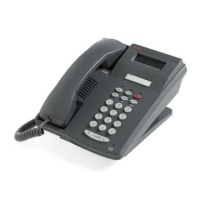
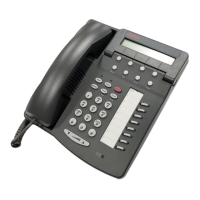
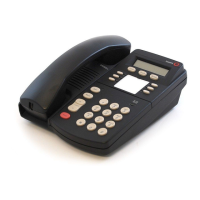
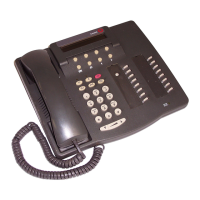
970 ISDN Telephone
the options on the screen.
When a softkey is labeled DONE it means that you
have entered information or accessed a feature. Press
the softkey below DONE to confirm your action and
move on to the next screen.
If the QUIT or DONE softkey is not available, press
[MENU]
to exit the Menu screens and save completed
changes. If a network display message is received by
the telephone, the Menu will automatically be exited,
completed changes saved, and the network message
displayed.



 To Next Page