MICROPHONE
EN
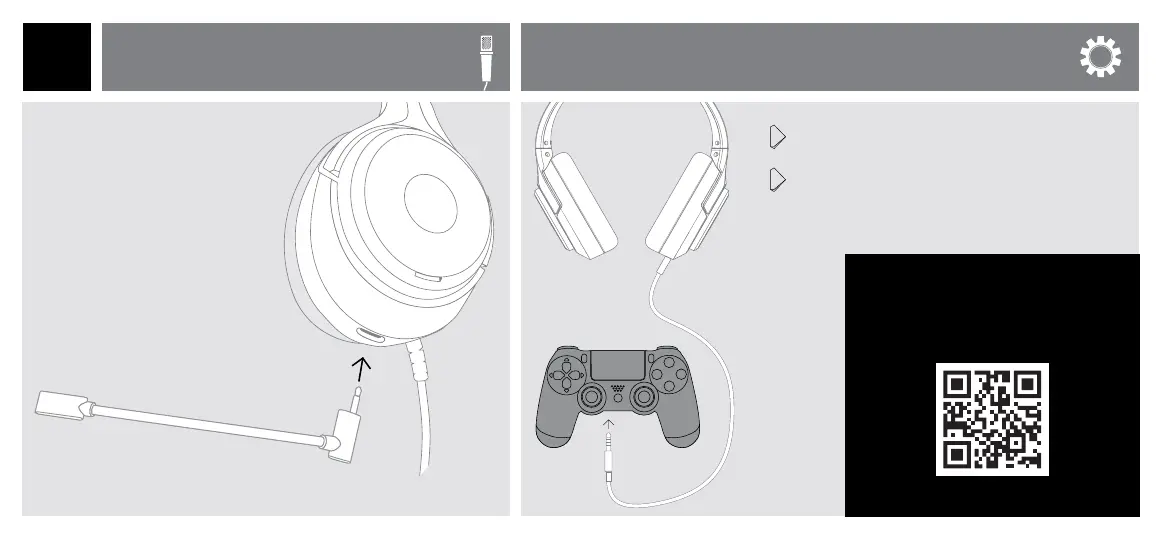
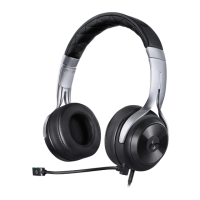
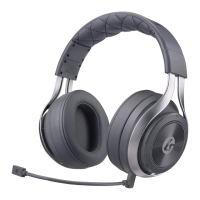
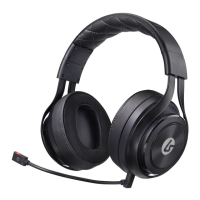
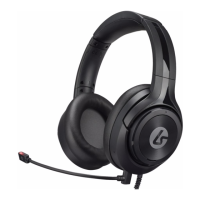
The LS10 includes an optional
boom microphone. When
this microphone is removed,
an internal microphone is
activated.
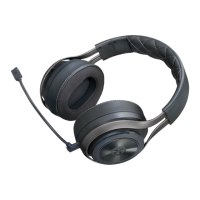
To connect the boom
microphone, insert it into the
port on the bottom of the
headset.
To complete setup for
PS4, go to:
!!! IMPORTANT !!!
https://bit.ly/2NN6Y9Y
1 Go into Settings > Devices > Audio Devices and
set the ‘Output to Headphone’ to ‘All Audio’.
2 Set the ‘Volume Control (Headphones)’ to maximum.
You can now use the controls on the headset to
adjust volume and mute.
PLAYSTATION
®
4 SETUP
PS4


 To Next Page