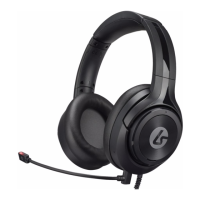
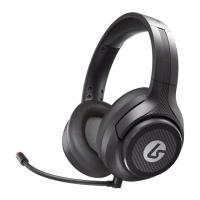
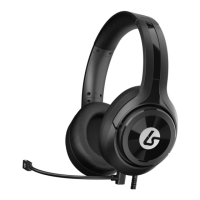
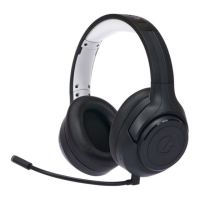
Need help?
Do you have a question about the LucidSound LS40 and is the answer not in the manual?
Details on game/chat volume wheels, mute buttons, power, mic monitor, and mode selection.
List of accessories: boom mic, optical cable, USB charging cable, and chat/mobile cable.
Overview of the base station's optical input, status LED, and power LED.
Instructions for connecting the charging cable and understanding LED indicators.
Information on using the optional boom microphone and the internal microphone.
General steps for connecting the headset to PS4, PS3, and Xbox One consoles.
Detailed audio settings for PlayStation 4.
Detailed audio settings for PlayStation 3.
Instructions for connecting to Xbox One controllers with and without a 3.5mm port.
How to connect the headset to mobile devices for passive audio playback.
Steps for connecting the headset to PC/Mac for game and chat audio.
Details on model numbers, IC compliance, and radiation exposure statements.
Information on product warranty, limitations, and how to contact customer service.
 General
| Headset type | Binaural |
|---|---|
| Product type | Headset |
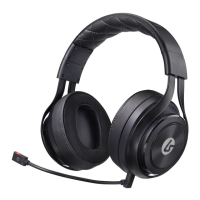
| Product color | Black |
| Wearing style | Head-band |
| Recommended usage | Gaming |
| Impedance | 32 Ω |
| Driver unit | 50 mm |
| Ear coupling | Circumaural |
| Headphone frequency | 20 - 20000 Hz |
| Headphone sensitivity | 97 dB |
| Quantity | 1 |
| Quick start guide | Yes |
| 2.5 mm connector | No |
| Dolby technologies | DTS |
| Bluetooth | - |
| Wireless range | 9.1 m |
| Connectivity technology | Wired & Wireless |
| Continuous audio playback time | 15 h |
| Microphone type | Boom |
 Weight and Dimensions
| Weight | 355 g |
|---|


 To Next Page