EasyManua.ls Logo

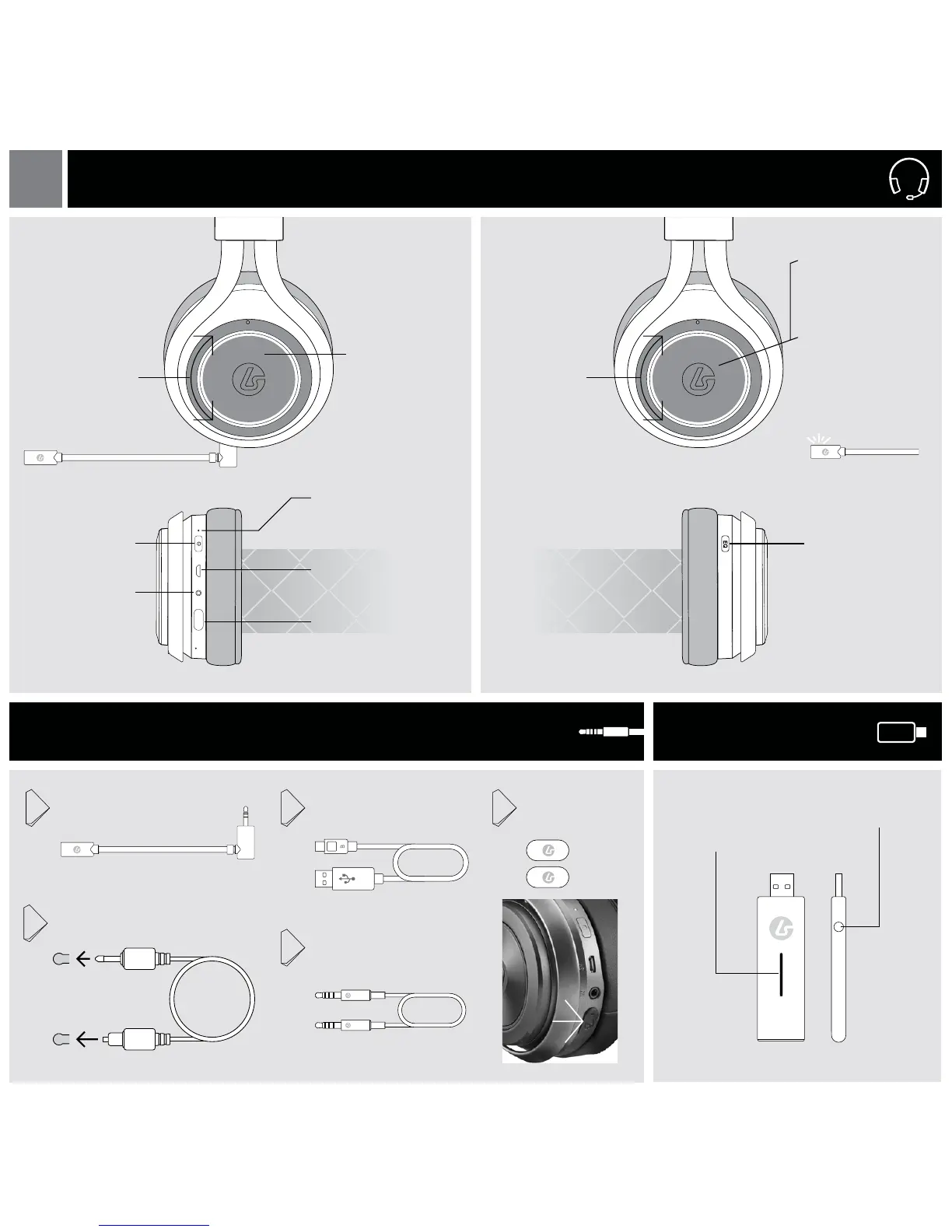
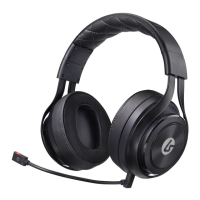
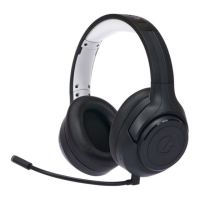
LucidSound LS40 - Headset Overview; Headset Controls; Accessories and Base Station; Included Accessories

LucidSound LS40
16 pages
Print Icon
To Next Page IconTo Next Page
To Previous Page IconTo Previous Page
Loading...
Surround / Stereo
Mode Select
Status LED
Solid = ON/Connected
Slow Blink = Searching
Optical Input
Power LED
Solid = ON/Connected
Slow Blink = Searching
Fast Blink = Battery Low
Microphone Port
Game Volume
Wheel
Game Mute Button
Rising tone = unmuted
Falling tone = muted
Chat Volume
Wheel
Power Button
Mobile/Xbox Input
HEADSET
ACCESSORIES
BASE STATION
[L] [R]
USB Charging Port
Boom Mic
Xbox Chat Cable /
Mobile 3.5mm Cable
USB Charging Cable
Optical Cable
1
4
2
3
Mic Port
Cover [2]
5
EN
Microphone Mute
Short press
Rising tone = unmuted
Falling tone = muted
LED on boom mic
illuminates when muted.
Mic Monitor
Long press
Rising tone = on
Falling tone = o

Related product manuals