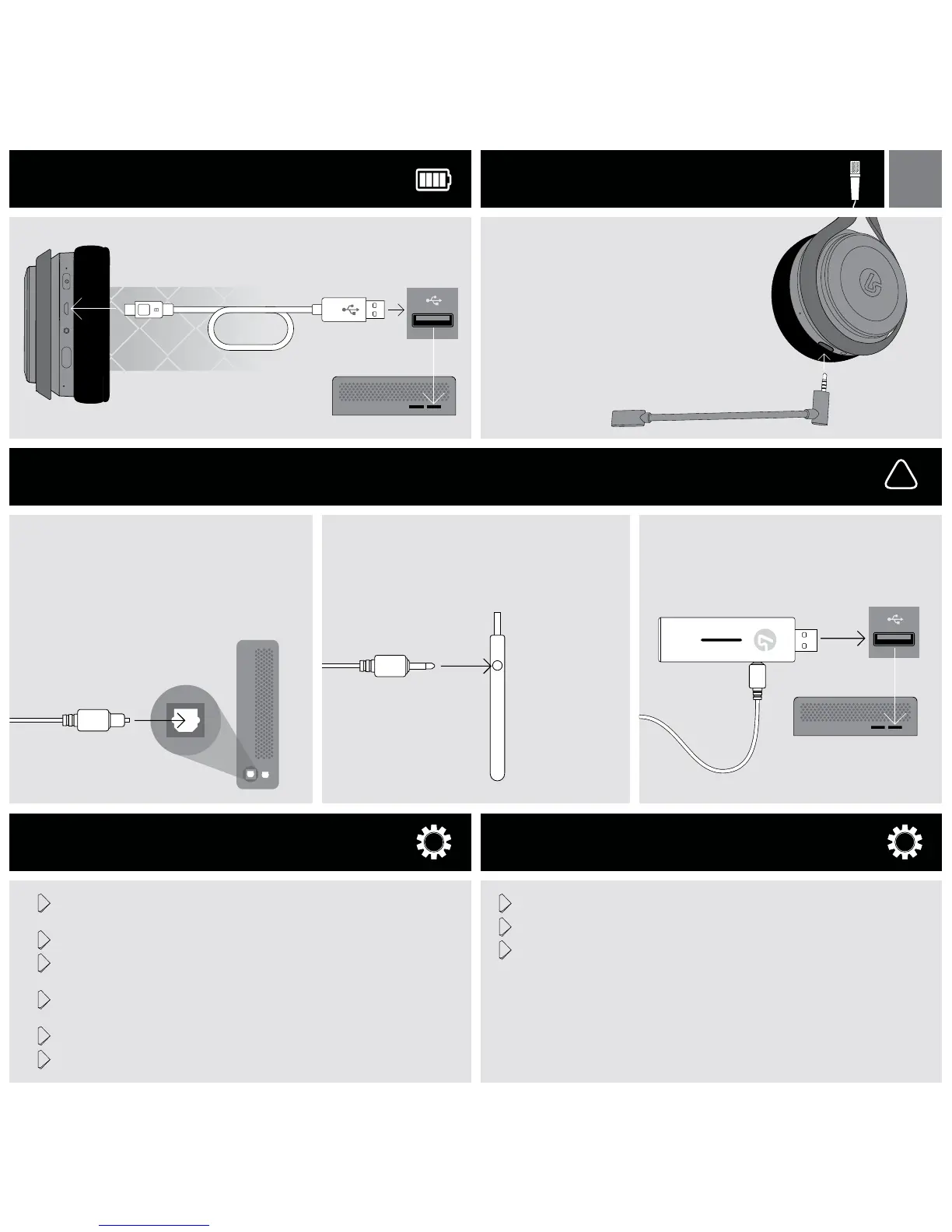
Connect the wide end of the optical cable to the optical
port on the rear of the Console. PS4 Slim does not include
an optical output. Requires connection through TV or a
separate HDMI to Optical adapter (not included). See our
website FAQ.
Connect the thin end of the optical cable to the optical port on
the side of the Base Station.
Plug the Base Station into a USB port on the Console.
!
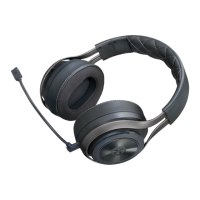
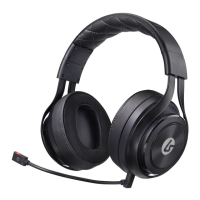
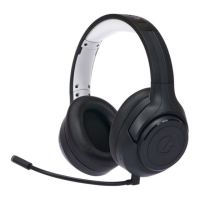
The LS40 includes an optional boom microphone.
When this microphone is removed, an internal micro-
phone is activated.
To connect the boom microphone, simply insert it
into the port on the bottom of the headset.
When battery has less than 15% power
remaining, unit beeps twice every 10
minutes.
1 Go into Settings > Sound and Screen > Audio Output Settings > Primary Output
Port and select ‘Digital Out (Optical)’
2 Check the box for ‘Dolby Digital 5.1’
3 Go into Settings > Audio Output Settings > Audio Format (Priority) and select
‘Bitstream (Dolby)’
4 Go into Settings > Devices > Audio Devices and set both the ‘Input Device’ and
‘Output Device’ to ‘USB Headset (LucidSound)’
5 Set the Output to Headphone to ‘Chat Audio’
6 Set the ‘Volume Control (Headphones)’ to maximum
1 Go into Settings > Sound Settings > Audio Output Settings > Optical Digital
2 Check the box marked ‘Dolby Digital 5.1 Ch.’
3 Go into Settings > Accessory Settings > Audio Device Settings and set the ‘Input
Device’ and ‘Output Device’ to ‘LucidSound’
CHARGING
CONNECTING TO CONSOLE [ PS4, PS3, & XBOX ONE ]
MICROPHONE
Connect the small end (micro-USB) of the charging cable to the headset.
Connect the other end to a USB port. The LED on the headset will pulse
while charging and turn solid when charging is complete.
STEP 1 STEP 2 STEP 3
PLAYSTATION 4 SETUP
PLAYSTATION 3 SETUP
PS4 PS3
EN



 To Next Page