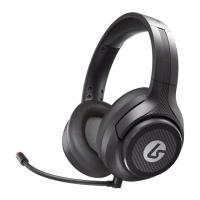
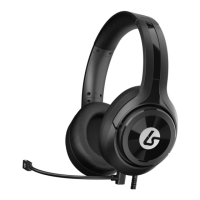
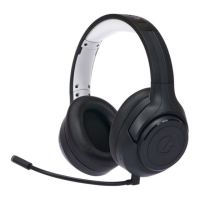
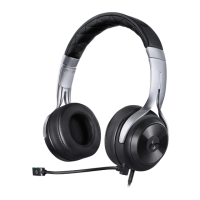
Need help?
Do you have a question about the LucidSound LS20 and is the answer not in the manual?
Details LED color and mode settings for PS4, Xbox, and Mobile/PC.
Explains LED status indicators and control functions like Volume and Mic Mute.
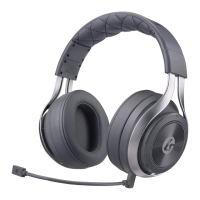
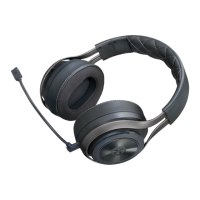
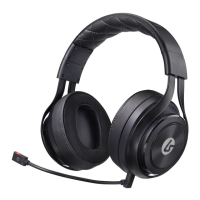
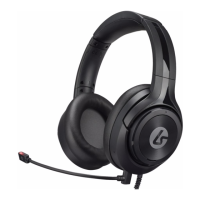
Describes the detachable boom microphone with an integrated LED.
Details the cover for the microphone port.
Identifies the cable used for charging the headset.
Describes the cable for audio connectivity.
Details connecting the headset for charging via USB and LED indicators.
Explains how to connect the optional boom microphone to the headset.
Guides for connecting to Xbox One controllers with and without a 3.5mm port.
Instructions for connecting to a PlayStation 4 console.
Instructions for connecting to mobile devices and PCs.
Details the 1-year limited warranty and service contact information for the US.
Explains warranty and repair process for Australia, including contact details.
 General
| Impedance | - Ω |
|---|---|
| Driver unit | 40 mm |
| Ear coupling | Supraaural |
| Headphone frequency | 20 - 20000 Hz |
| Headphone sensitivity | 97 dB |
| Bluetooth | - |
| 3.5 mm connector | Yes |
| 2x 3.5 mm connectors | No |
| Connectivity technology | Wired |
| Continuous audio playback time | 20 h |
| Quantity | 1 |
| Headset type | Binaural |
| Product type | Headset |
| Product color | Black, Silver |
| Wearing style | Head-band |
| Recommended usage | Gaming |
| Microphone type | Boom |
 Weight and Dimensions
| Weight | 255 g |
|---|

 To Next Page