8
www.LumaComfort.com
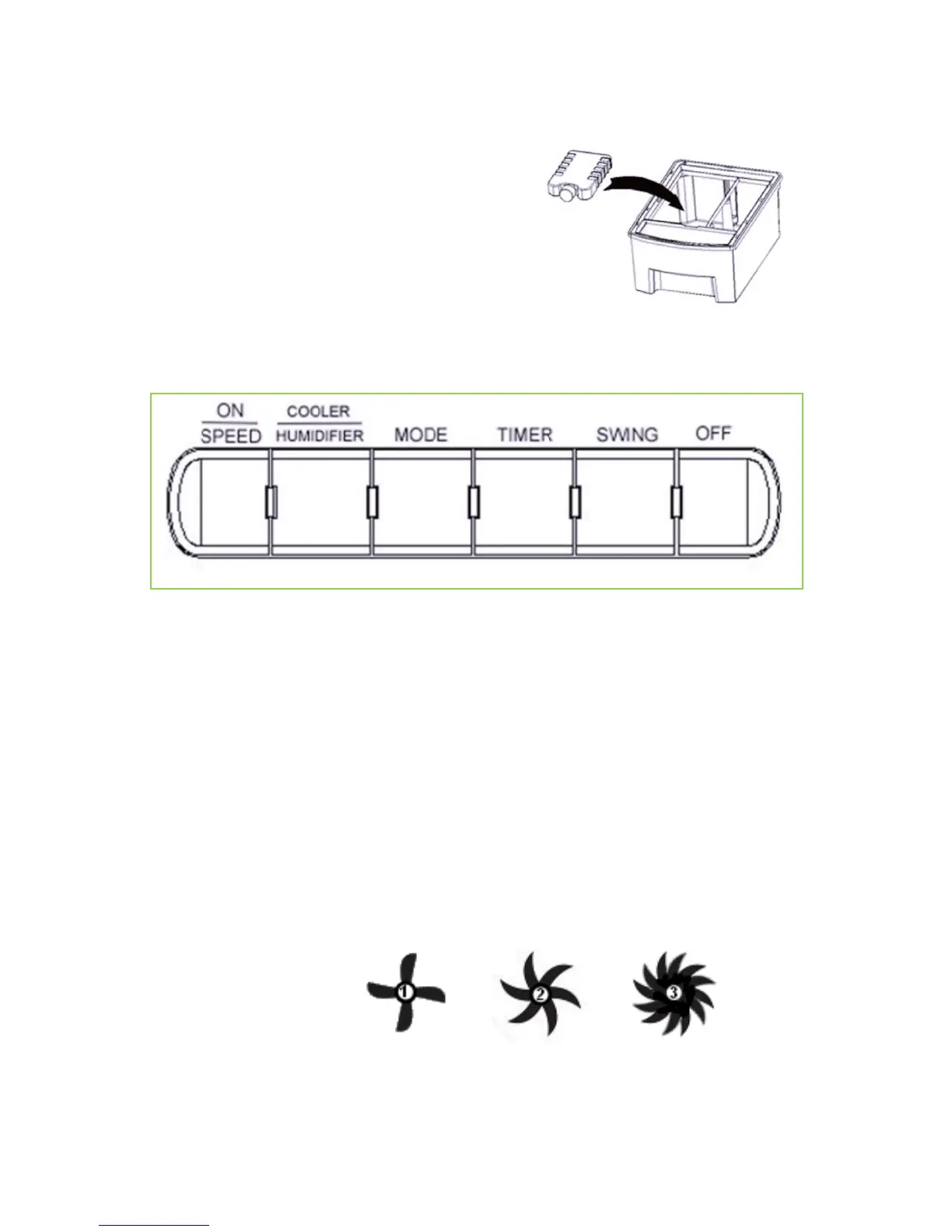
2. Put the ice pack into one of the water
tank’s chambers.
3. The ice pack is not necessary for
operation, but will help enhance the
cooling effect in higher temperatures.
4. The ice pack will last approximately 4
hours before melting.
THE CONTROLS & OPERATION
After the tank is filled with water, connect the evaporative cooler to a power
outlet. The unit will beep twice, indicating that the power source is connected.
The cooler will be in standby mode at this time.
ON/SPEED & OFF Buttons
Press the ON/SPEED button to turn on the evaporative cooler.
To adjust the fan speed, press ON/SPEED button again until your desired
speed has been reached. The current fan speed will be indicated on the display
panel. To turn the unit off and revert back to standby mode, press the OFF
button.


 To Next Page