45
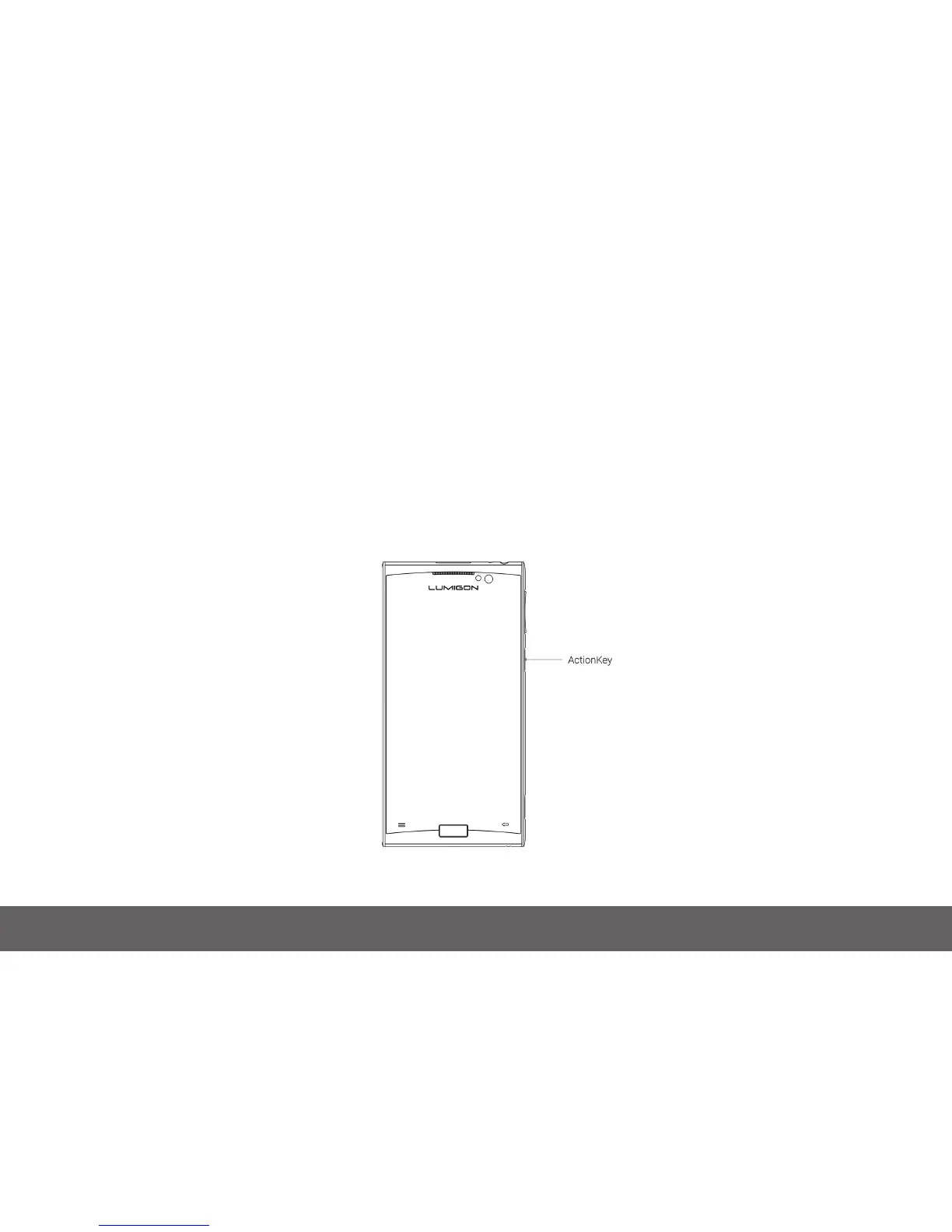
9 ActionKey
9.1 About ActionKey
ActionKey is a physical key on the right side of the phone, just below volume down key. You can set up the ActionKey to perform specic actions in
specic situations, e.g. turning the ashlight on and off, launching a specic app, silencing an incoming call, turning the speaker on during a call etc.
Some of the actions can even be used when the screen is locked, e.g. ashlight.
You can choose for the desired actions to be activated by either pressing the ActionKey briey (“Key press”) or by pressing and holding the ActionKey
(“Key long press”).



 To Next Page