• Internet Browser (ie. Internet Explorer, Mozilla Firefox, Safari or
Google Chrome)
• TCP/IP Installed
• An Ethernet card must be installed in your computer prior to DSL
Modem installaon and computer conguraon unless you plan to
use a USB connecon. Please see secon ‘Connecng a Computer’
for USB System requirements and installaon instrucons.
If you are missing any of the above items, please call
Lumos Networks Customer Care at 888-553-6454
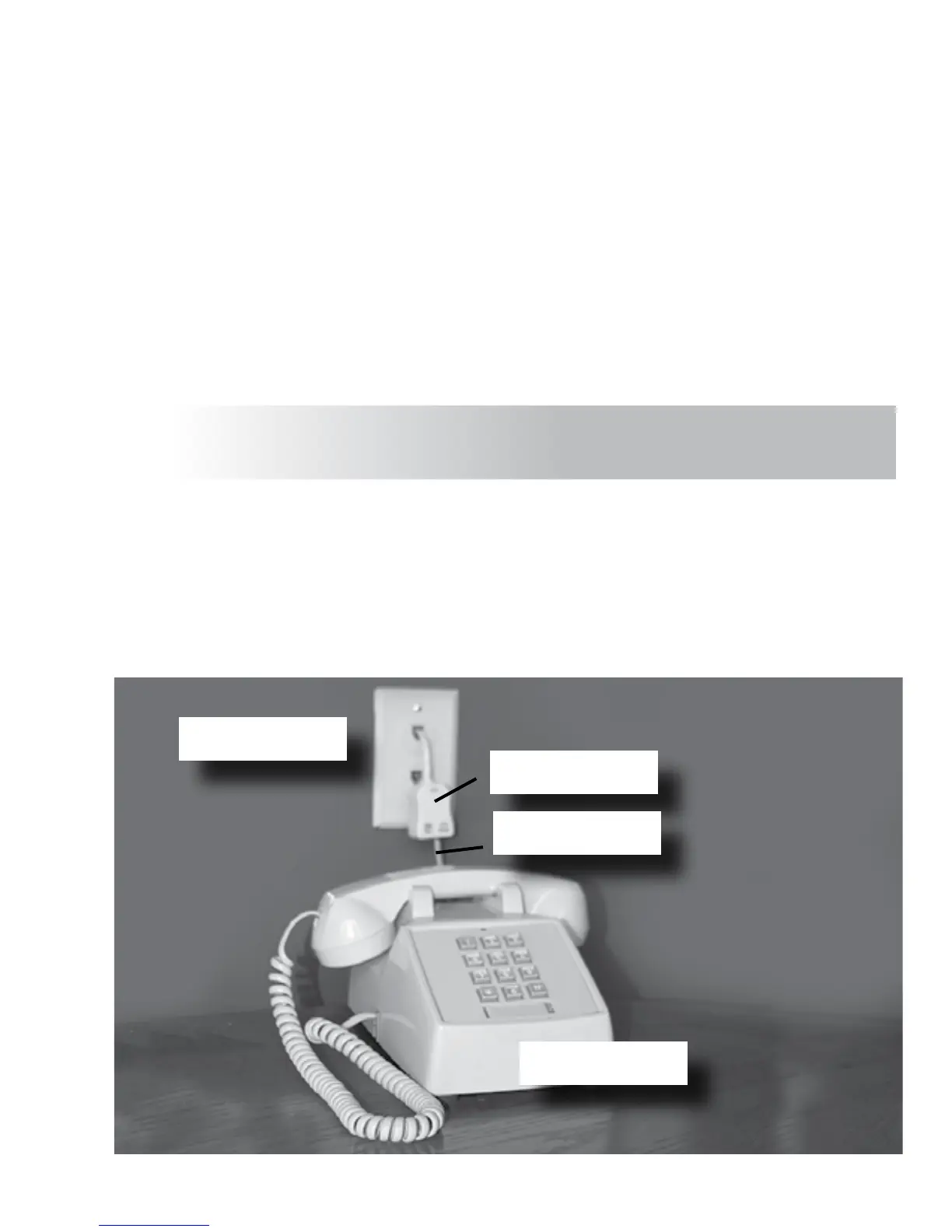
Install the DSL lters on every device that shares the same number as
the DSL Modem (example below). The lter is designed
to remove the DSL signal from whatever device it is aached.
Do not lter the DSL Modem.
Wall Jack
DSL Filter
2
Applying the DSL Filters
Phone Cord
Phone



 To Next Page