3) Configuration
To access the configuration pages, please, again in your web browser, type:
https://aagsolo/config/
notice the “s” after http – this means it is a secure protocol. You'll get a warning, or maybe
several, about the site not being secure. You are in your local network, so please trust you're
accessing your “Solo”. You'll be asked for user and password, in this case the user is “solo”, the
password the same as before, that is, “cloudwatcher”.
The reason for this warning is we're using a custom certificate that allows all information to be
encrypted, for safety, but the certificate itself is not registered in a certification authority; that's
a more complex and expensive step unneeded here.
Once you've agreed to proceed to the site, you can access three pages:
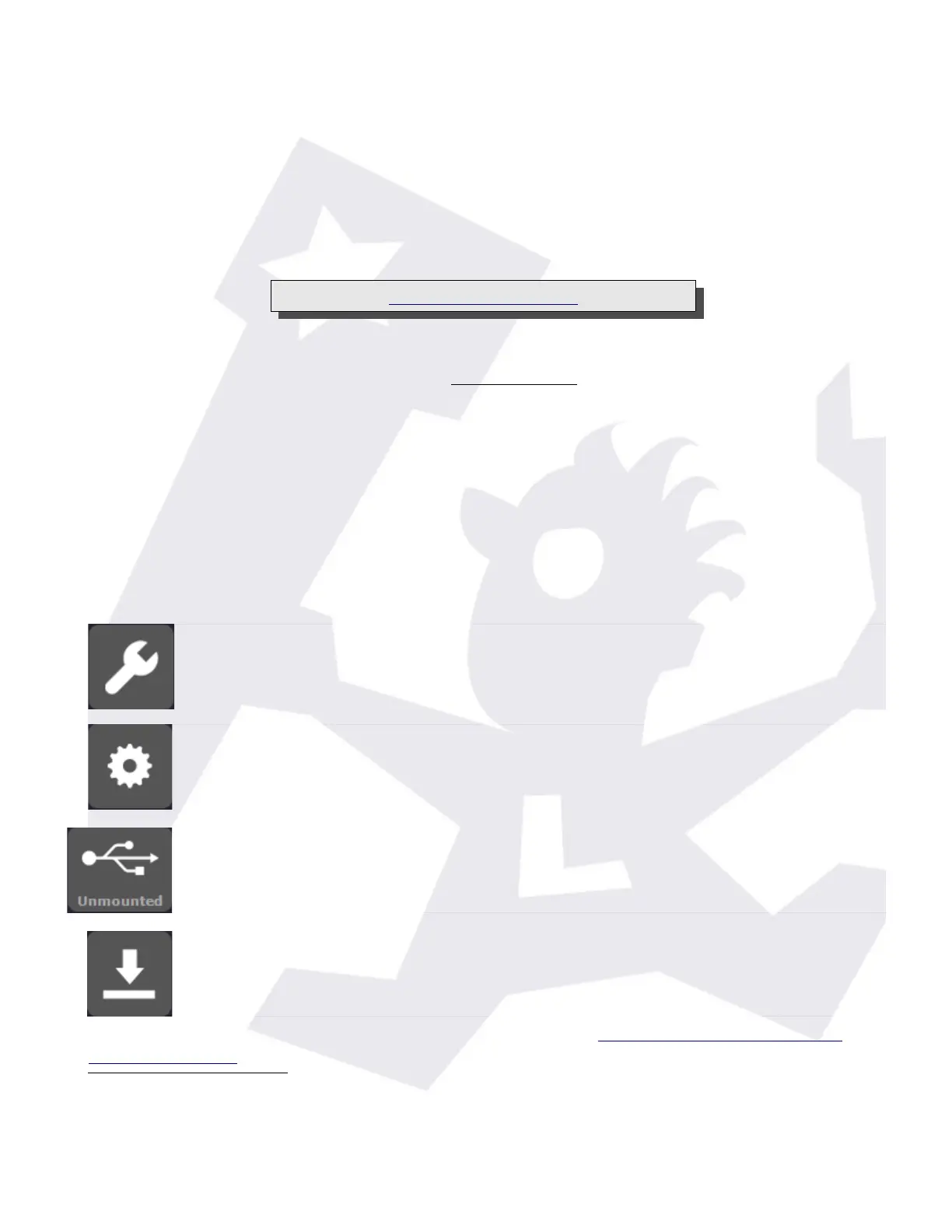
– configuration, where you'll be able to setup your “Solo” in a very similar way
to the CloudWatcher Windows software.
– system details, where you can make some adjustments, set the time / date,
network configuration, change the default password
1
(“cloudwatcher”), reboot
the system (just in case), and also shutdown it.
– For the shutdown process, and given it will take you a trip to the observatory
to start it again, you'll be challenged to confirm your selection.
– USB status, it may be unmounted, as shown, or mounted. Clicking the button
will check the USB status again (if unmounted) or unmount it prior to a safe
removal (if mounted)
– Last, update the system. From here you can check if there's a new version
and, optionally, update to it.
Just a few notes about the configuration – please consult the online documentation for the
Windows program for more specific data.
1 Please note the password you can change here is the one to access this configuration section of the web. It
does not affect the password used to access the files using the Windows network.
SOLO - Users manual v. 2.5 13/20 19. Jan. 2021


 To Next Page
 Loading...