– Units (ºC Kmh, or ºF MPH): choose your favourite units.
– timezone: you have to select your time zone so the readings are accurate and match
your local time, for the automation programs. The data in the web pages will match the
local time of the place you're connecting from.
– load previous / default configuration: options to let you recover from errors or tests.
– max rain graph / max light graph: defining the upper limit of the graphs, so they
look pretty. The other graphs (cloud, temperature, wind speed) adjust themselves in the
current data range.
– Ambient and IR temperature offsets, used to compensate for the electronics heating
and other factors; the offsets will be substracted from the raw readings of the sensors.
– Source of ambient temperature: rule of thumb, if you have the external RH sensor
installed, select it as source of ambient temperature.
– And last, the “unsafe” limits; here you can specify the limit exceeding which a reading
will be considered unsafe. This is a difference from the Windows software, where you had
only 3 options (matching the 3 ranges) for setting unsafe.
So, for instance, you can define wind speeds 0 to 5 Kmh to be calm, 6 to 25 to be windy,
and above that to be very windy, but set the unsafe wind limit to, say, 20 Kmh.
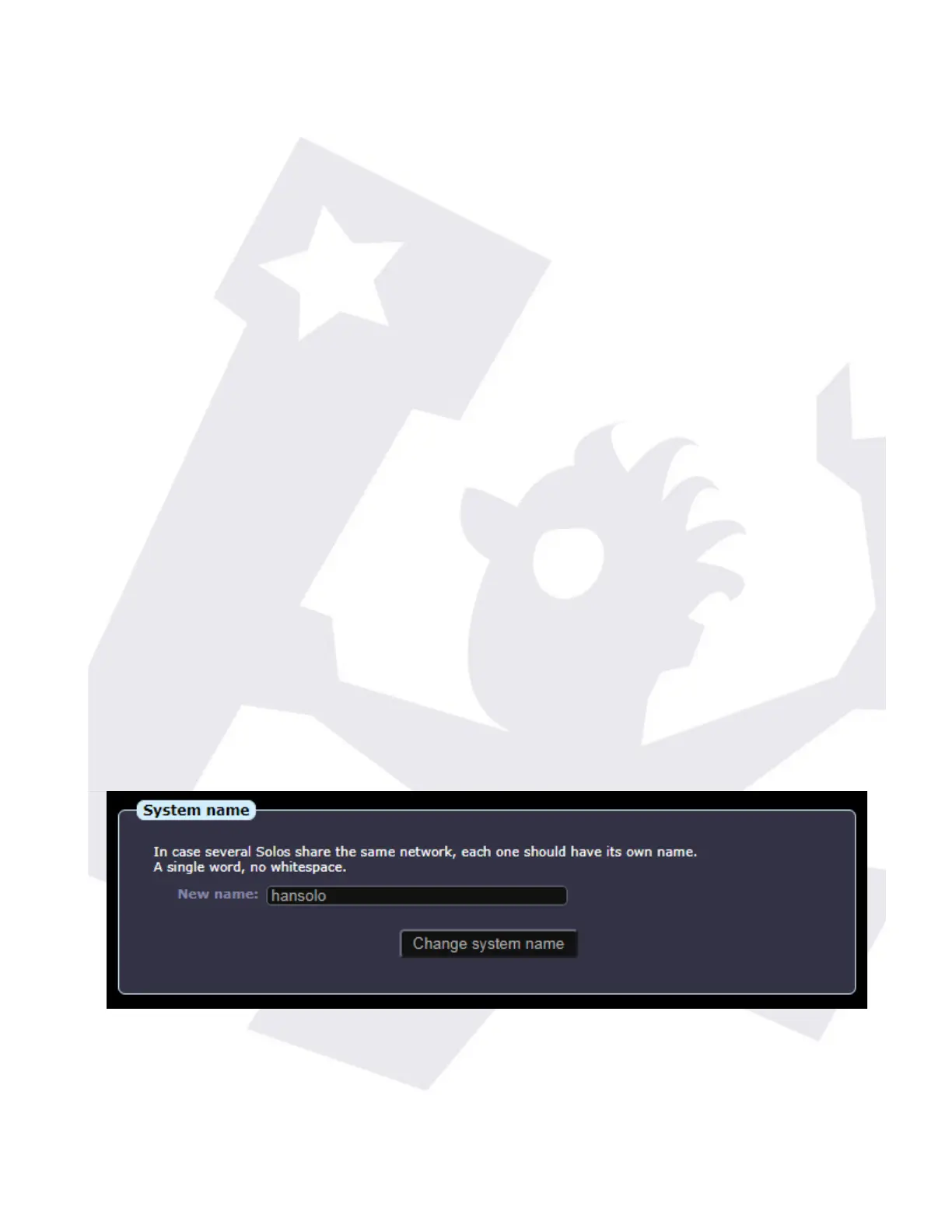
The System page contains settings of a more computer nature, network, date and time, etc.
If several “Solos” will share the same network (as it happens in observatory hosting places),
then it is generally advised to change the name, so each one is unique in the network.
In the network config...
SOLO - Users manual v. 2.5 15/20 19. Jan. 2021


 To Next Page
 Loading...