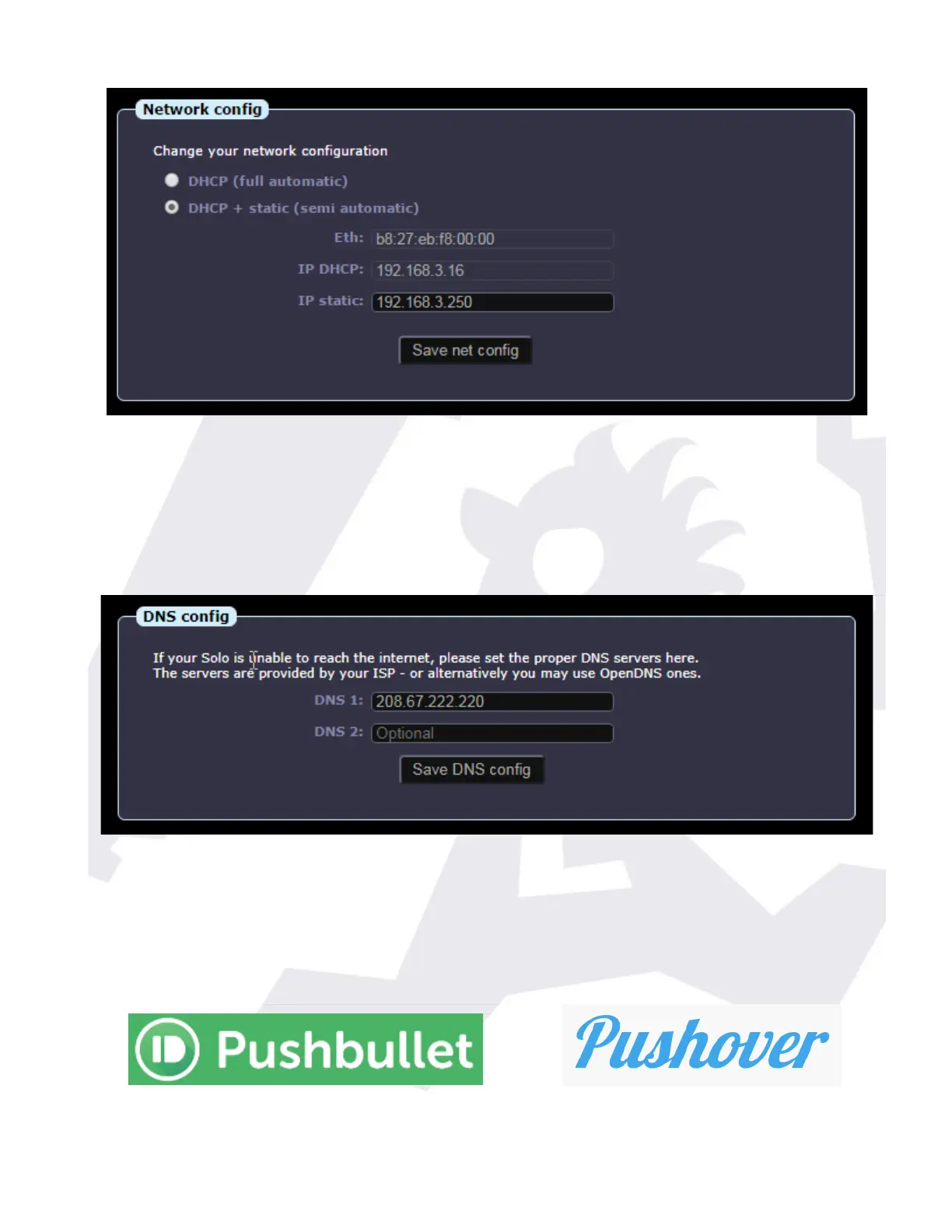
… here we can specify if we just want the address of the Solo to be obtained automatically for
our router (full automatic), avoiding any problem, or if we prefer to also specify a static (fixed)
address, which is useful to make the Solo accessible from the internet.
If your Solo fails to access the internet (more noticeable if the software updates fail to work),
then you may need to adjust the DNS (name server):
… the suggested one (208.67.222.220) is a good option, free to use, from FreeDNS. Another
popular server is one from google, easier to remember, 8.8.8.8.
Filling the ZeroConf data will make the Solo publish, every few minutes, summary data to our
cloud server. At this moment is useful for users of our android widget.
SOLO - Users manual v. 2.5 16/20 19. Jan. 2021


 To Next Page
 Loading...