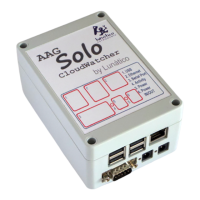
If you want the Solo to send push messages to your smartphone, PC, or whatever, now there is
support for this using Pushbullet, a great and free system but not available for iOS, and also
Pushover, almost free (very low, one time only payment), and available in every platform.
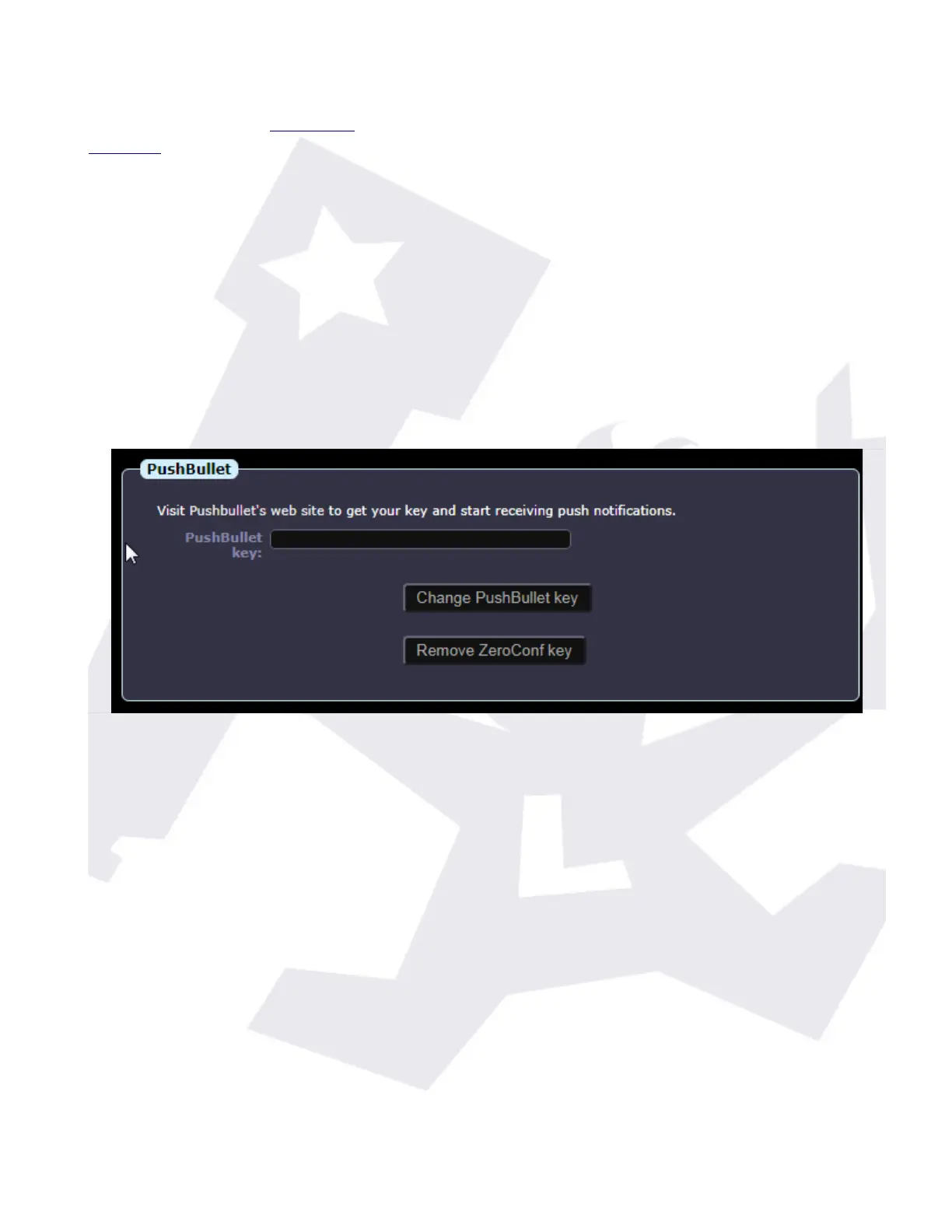
You'll need to open a Pushbullet or Pushoveraccount; then you'll have the option to install a
client or you can check your notifications in the website; the client program is available for many
platforms, and quite useful IMHO. With your account you'll be able to generate a token (or key),
a long string of characters, that identify your account.
To activate the sending of messages when the weather changes from UNSAFE to SAFE (and vice
versa), just copy your token here, adding “pb-” if it is a pushbullet token, or “po-” if it is a
pushover one.
So if your key is “asdf123ljasd89j123j12”, and it is from Pushbullet, you'll have to type “pb-
asdf123ljasd89j123j12”. If it's from Pushover, “po- asdf123ljasd89j123j12”. No quotes!
Suggestion: activate it only in imaging nights.
The rest of the page is truly self explanatory (date and time, reboot, shutdown).
SOLO - Users manual v. 2.5 17/20 19. Jan. 2021


 To Next Page
 Loading...