9. Do not insert any object into any openings and avoid dropping the
equipment. In the event of the hand-piece being dropped, check to make sure
the bit is not bent and the unit does not overheat.
10. Never operate this equipment with a damaged cord or plug. If it is not
working properly, if it is dropped or damaged, or dropped into water, return
the equipment to a service center for examination and repair.
11. Wear proper protective clothes and equipment, including a dust mask and
safety goggles. Keep the workplace clean.
After reading this user’s guide, if you have any questions or comments, please call
1-800-483-9930 or contact our technical support department at
support@Luraco.com or visit our website at www.luraco.com for more information.
III. OPERATIONS
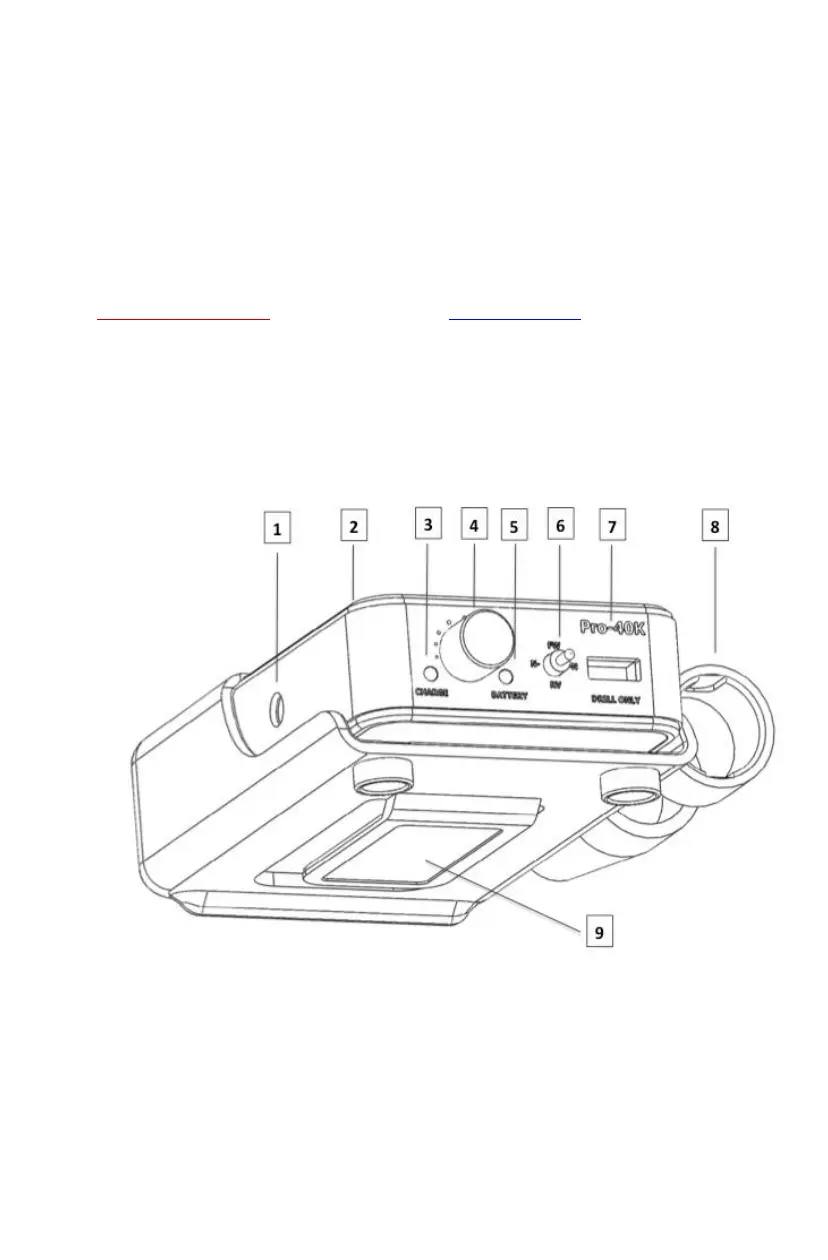
3.1. Understanding the drill controller
The Side and Front View of Drill Controller



 To Next Page