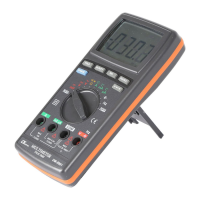
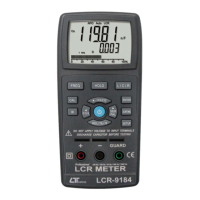
5-8 Continuity Beeper
1)Select the " Function Switch " to the" " position.
2)Connect black test lead into " COM " terminal and red test
lead into " OHM " terminal.
3)Connect test probes into circuit under test. If the
resistance value of the circuit is less than approx. 100
OHM, then there will be Beeper sound output from the
meter.
5-9 Diode Check
1)Select the "Function Switch" to the " " position.
2)Connect red test lead to the " V " input terminal and black
test lead into " COM " input terminal.
3)Connect test probes into circuit under test. If the
resistance value to f the circuit is less than approx. 100
OHM, then there will be Beeper sound output from the
meter.
A. When connected with polarity as shown in Fig. 4, a
forward current flow is established and the approx.
DIODE forward voltage(VF) values in volt will display
on the display reading. If the diode under test is
defective, " 000 " or near " .000 " value (short circuit) or
" 1 " ( open circuit ) will be displayed.
B. When connected as shown in Fig. 5, a reverse check on
the diode is made. If the diode under test is good, " 1 "
will be displayed. If the diode under test is defective,
" 000 " or other numbers will displayed. proper diode
testing should include both steps A and B above.


 To Next Page