Page 22
Omit
Store
Display
Partial Arm 1
Partial Arm 3
Partial Arm 2
4.5 Arming the System with zones omitted
(part setting)
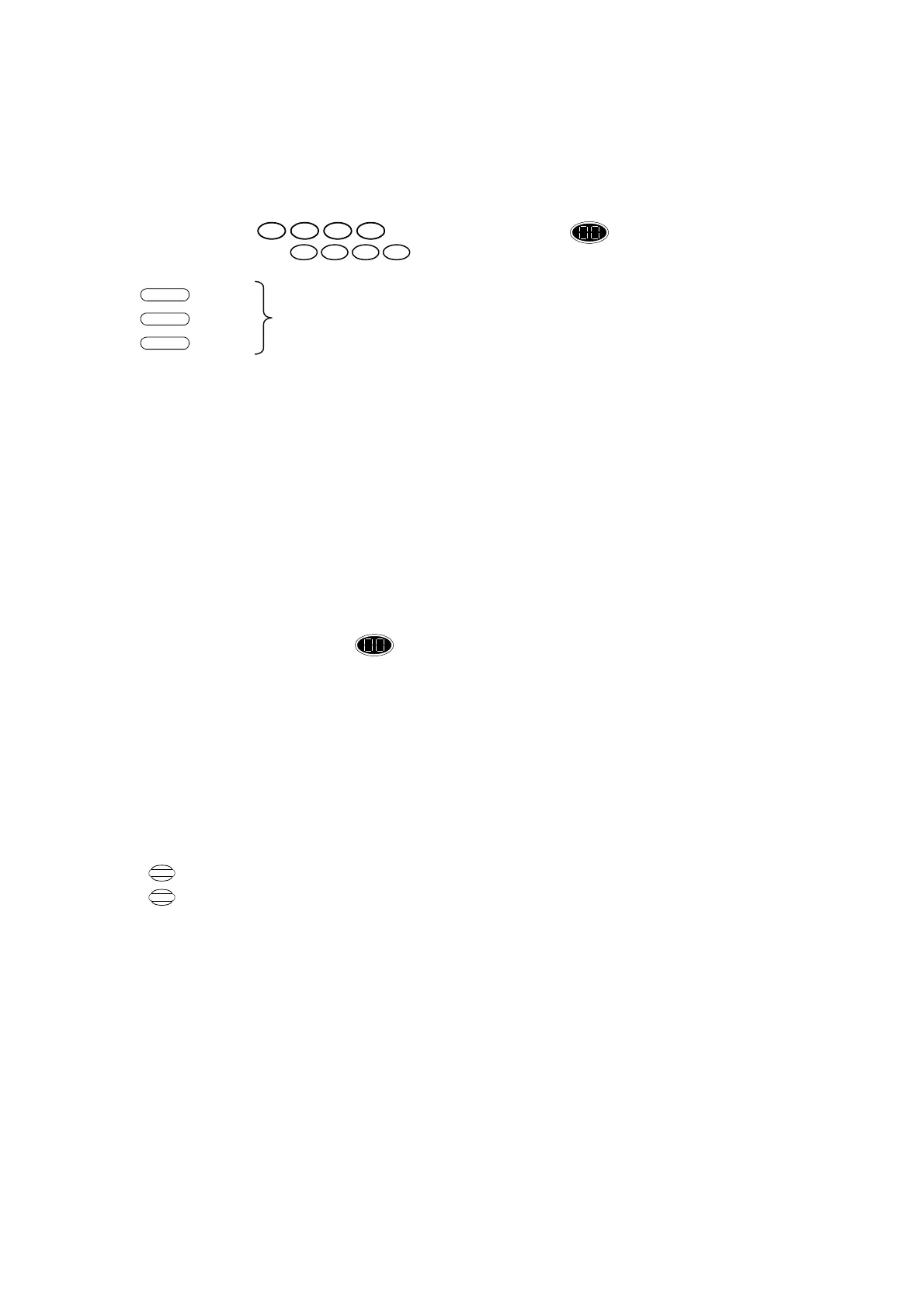
Proceed as follows. Enter:
Press User code or display changes to flashing.
Secondary Code
Display changes to Partial Arm 1, Partial Arm P2 or Partial Arm P3 accordingly.
This will part arm the system, when omitted zones that are triggered, will not activate the alarm, the
part arm will activate the exit timer as in the full arm.
4.6 Disarming the System
There are three possible scenarios for disarming the alarm system.
a) Normal disarming
This is the procedure to follow when disarming the system under normal circumstances (i.e. there has
been no alarm condition while the system was armed).
i. Enter the premises passing zone 1 only. The control unit will begin to beep slowly indicating that
you must disarm the alarm system within 30 seconds (default entry/exit time).
ii. Proceed to the control unit and enter your User Code or the Secondary Code. Control unit gives
OK beep and the display shows to show that no alarm condition exists – the system is now
in “Standby” mode.
b) Disarming after an Alarm event
If an alarm has occurred, the siren will stop sounding after 10 minutes (factory
setting-programmable). If you return to the system after this period, you will notice the strobe
flashing to indicate the alarm event. Instead of the entry timer, the control unit will be beeping every
few seconds and the internal siren will sound when zone 1 is triggered. In this event you should
proceed as follows. Enter User Code or the Secondary Code:
OK beep, display shows last alarm condition (see table below). If the display flashes, then more than
one alarm event has occurred and you must press “Display” to show the next alarm event. In the
unlikely event that several alarm events have taken place since the system was armed, press
“ ” again to view further events. The last alarm event will not flash when displayed, pressing
“ ” again returns to the first alarm event.
1432
6 85 7
Display
Display


 To Next Page
 Loading...