Page 30
Press ,display changes to flashing. Disarm from the remote control without triggering
an entry/exit zone first will not be expected by the control unit.
or
Press ,display changes to steady. Disarm from the remote control is enabled from any
position.
Press ,to retain this setting.
Or
Press ,to return display shown “Standby” mode and without retaining recent settings.
6.6 Silent Personal Attack
The factory default for panic trigger is a full alarm. However, if a silent panic is required do the
following procedure:
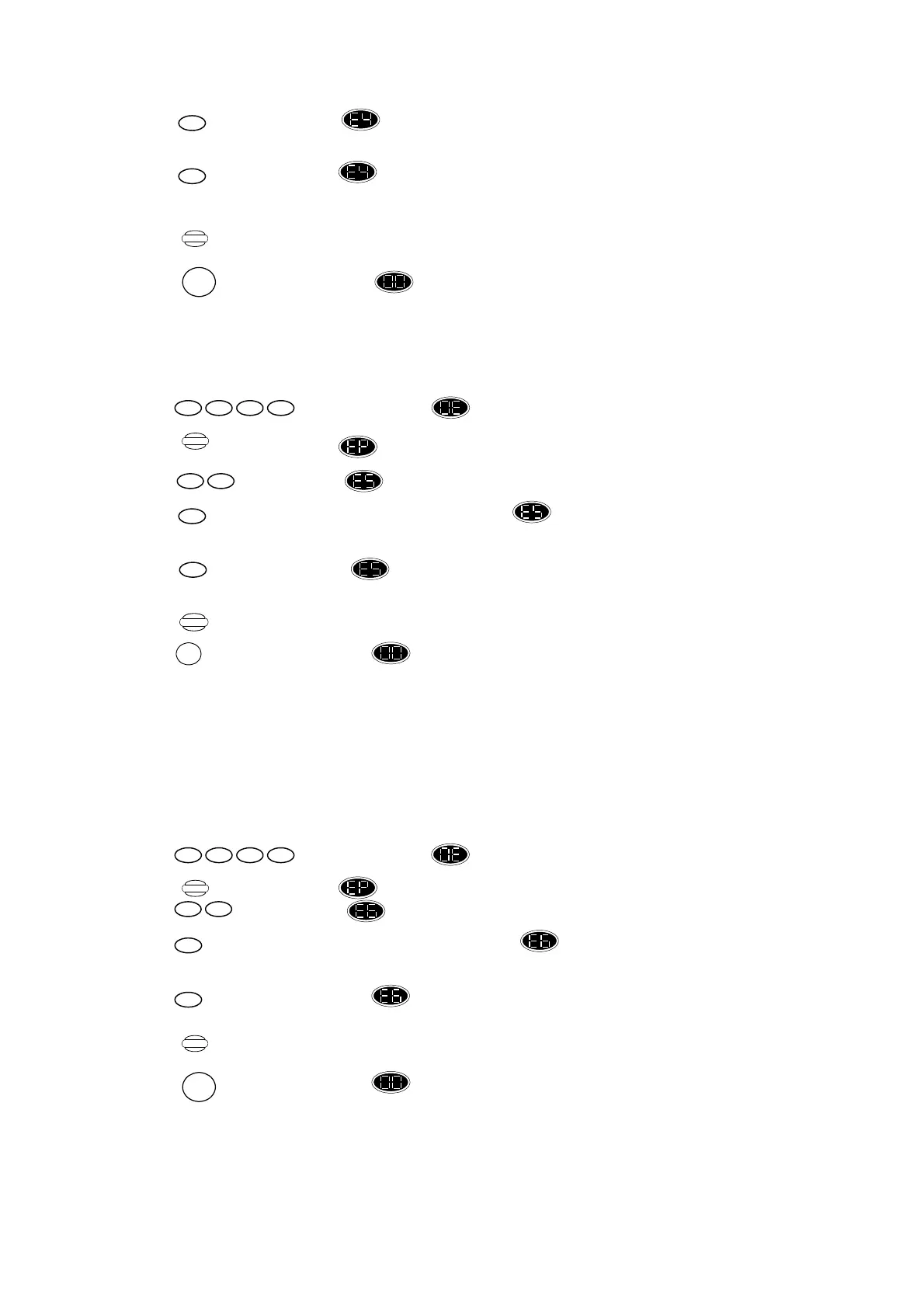
Press ,display changes to flashing.
Press ,display changes to .
Press ,display shows .
Press ,to set this function ON, display changes to flashing. Panic from the remote
control will not sound the alarm siren, only the strobe will flash.
or
Press ,display changes to steady. Panic from the remote control will activate full
alarm – siren and strobe.
Press ,to retain this setting.
Or
Press ,to return display shown “Standby” mode and without retaining recent settings.
6.7 Enable/Disable Secondary Pin Code
As said, the secondary pincode can be used only for arming, part arming or disarming the system and
cannot program any function in the system. Because of this pincode is factory default to 5-6-7-8 in
every LS5000 system and it is an option to use. You should notify the system of your will to activate
it. If you do this, you should immediately change the secondary pincode (refer section 4.2), this
ensures that the system does not contain a “global” pincode that can disarm your system.
Press ,display changes to flashing.
Press ,display changes to .
Press ,display shows .
Press ,to set this function ON, display changes to flashing. Secondary pincode is
enabled.
or
Press ,display changes back to steady. Secondary pincode is disabled.
Press ,to retain this setting.
Or
Press ,to return display shown “Standby” mode and without retaining recent settings.
Program
1 11 1
Program
1 11 1
Store
RESET
Store
RESET
Store
RESET
1
1
1
0
0
0
59
69


 To Next Page
 Loading...