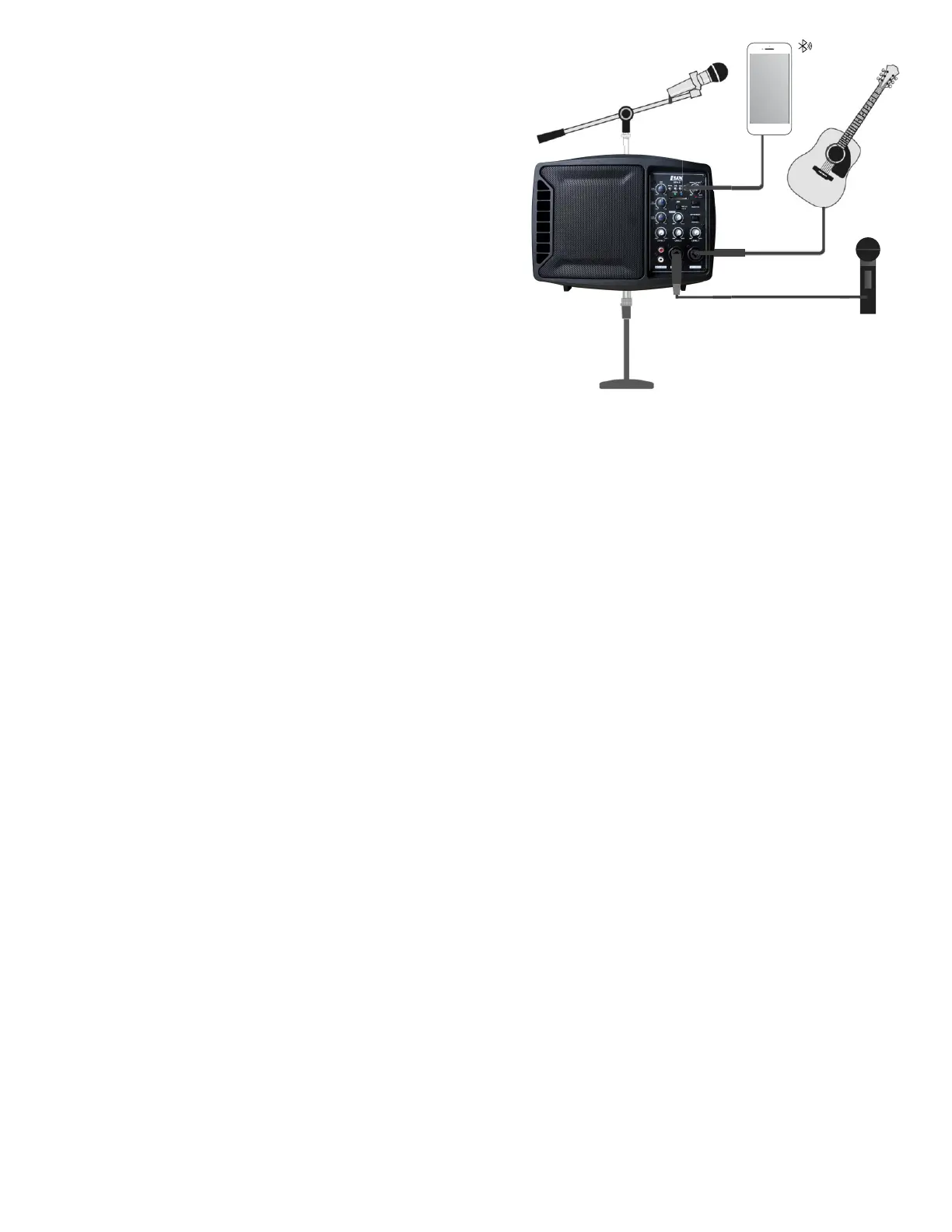
Operation
1. Place monitor on a flat, smooth surface
(or can be mounted on a microphone stand.)
2. Set Main Volume and other volume knobs to
the minimum position.
3. Connect all devices.
4. Power on connected devices (mixer, mic, instrument.)
5. Turn on the unit with the Power Switch located on the back
of the speaker monitor. (A solid green light will come on
when monitor is operational.)
6. Set the Main Volume knob to central position.
7. Test volume of speaker monitor by speaking into your mic.
8. Adjust volume with the knob that correlates to the input
you are using. (Lower volume accordingly if necessary.)
9. Adjust the High/Mid/Low EQ levels to achieve desired effect.
10. Adjust Main Volume knob for overall desired volume.
To Connect Bluetooth®
1. On the speaker monitor, change the Power Switch to the ON position.
2. Activate Bluetooth® on your mobile device
3. When “LYXPRO” or “Bluetooth” appears on your mobile device, select it.
4. When the blue light is solid, your devices are now connected.
Functions of Bluetooth® Light:
• Fast Blinking: Monitor is ready to be paired with other devices.
• Solid Light: Monitor is connected to your device, but currently no sound is playing.
• Slow Blinking: When sound is currently being played through the monitor.
4


 To Next Page