8 During the installation, you will be prompted with a message warning that the
driver software has not passed Windows Logo testing. Select “Continue Anyway”
and proceed with the installation.
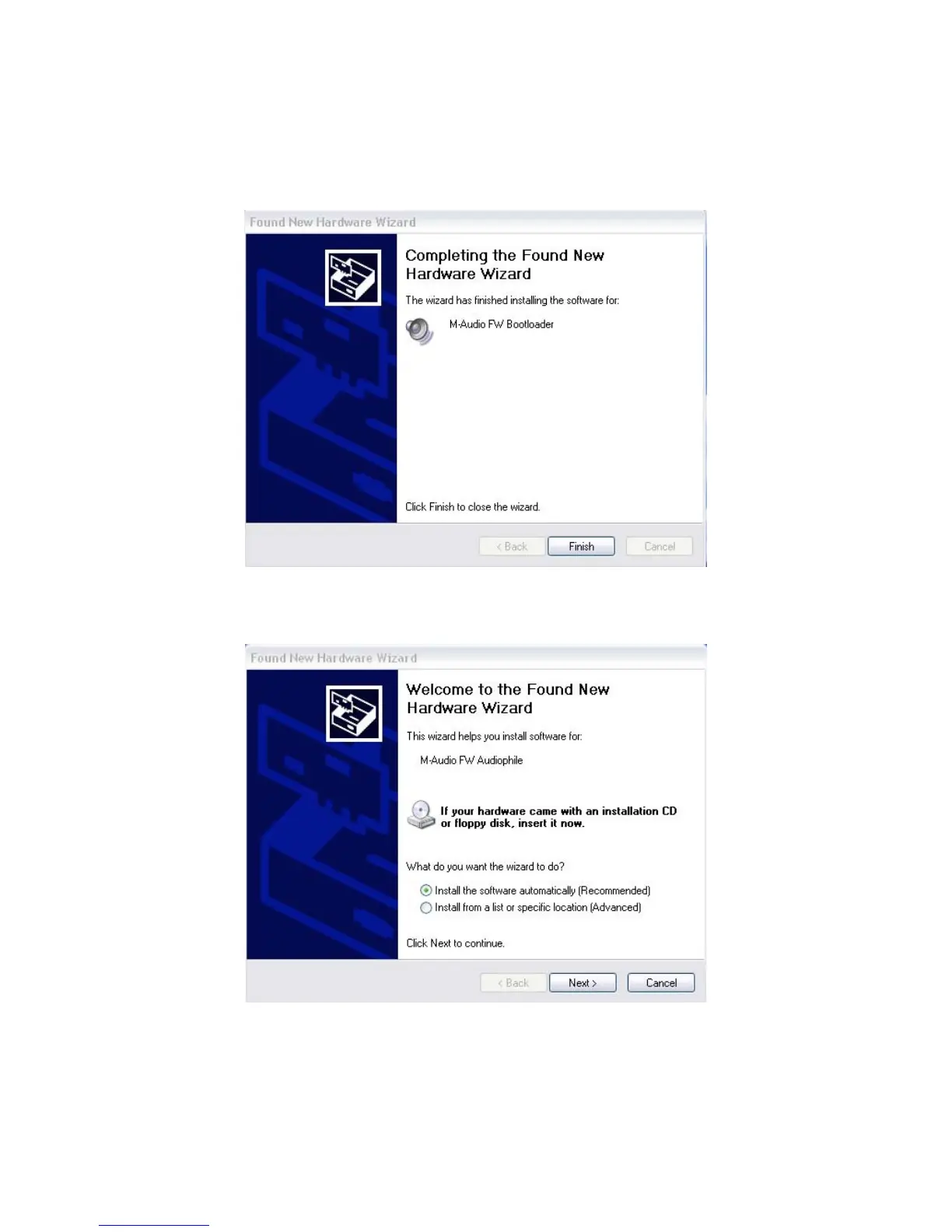
9 Once the Bootloader installation is complete, click “Finish” to proceed. Windows
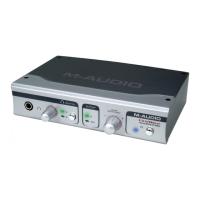
will locate the FireWire Audiophile driver files.
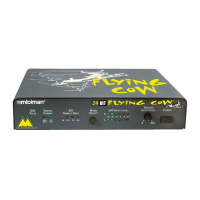
10 The New Hardware Wizard will run a second time to install the FireWire Audiophile driver
software. Choose the default selection, “Install the software automatically.” Click “Next.”


 To Next Page