Need help?
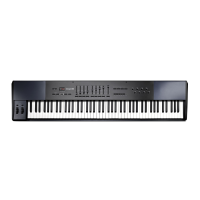
Do you have a question about the M-Audio HAMMER88 and is the answer not in the manual?
Guidance on installing bundled software and virtual instruments.
Details the expression pedal input and its assignability.
How pedals/buttons send trigger/momentary CC values.
Assigning +/- buttons for octave/transpose functions.
Answers to common questions and issues encountered with the Hammer 88.
 General
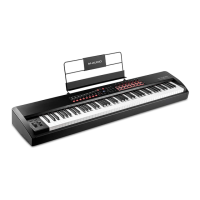
| Key Count | 88 |
|---|---|
| Velocity Sensitive | Yes |
| Aftertouch | No |
| Pedal Inputs | 1 x Sustain, 1 x Expression |
| USB Connectivity | Yes |
| Power Supply | USB Powered |
| Weight | 38.5 lbs |
| Key Type | Hammer-action |
| MIDI Connectivity | USB-MIDI |
| Included Software | Mini Grand, Velvet, Xpand!2 |

 To Next Page