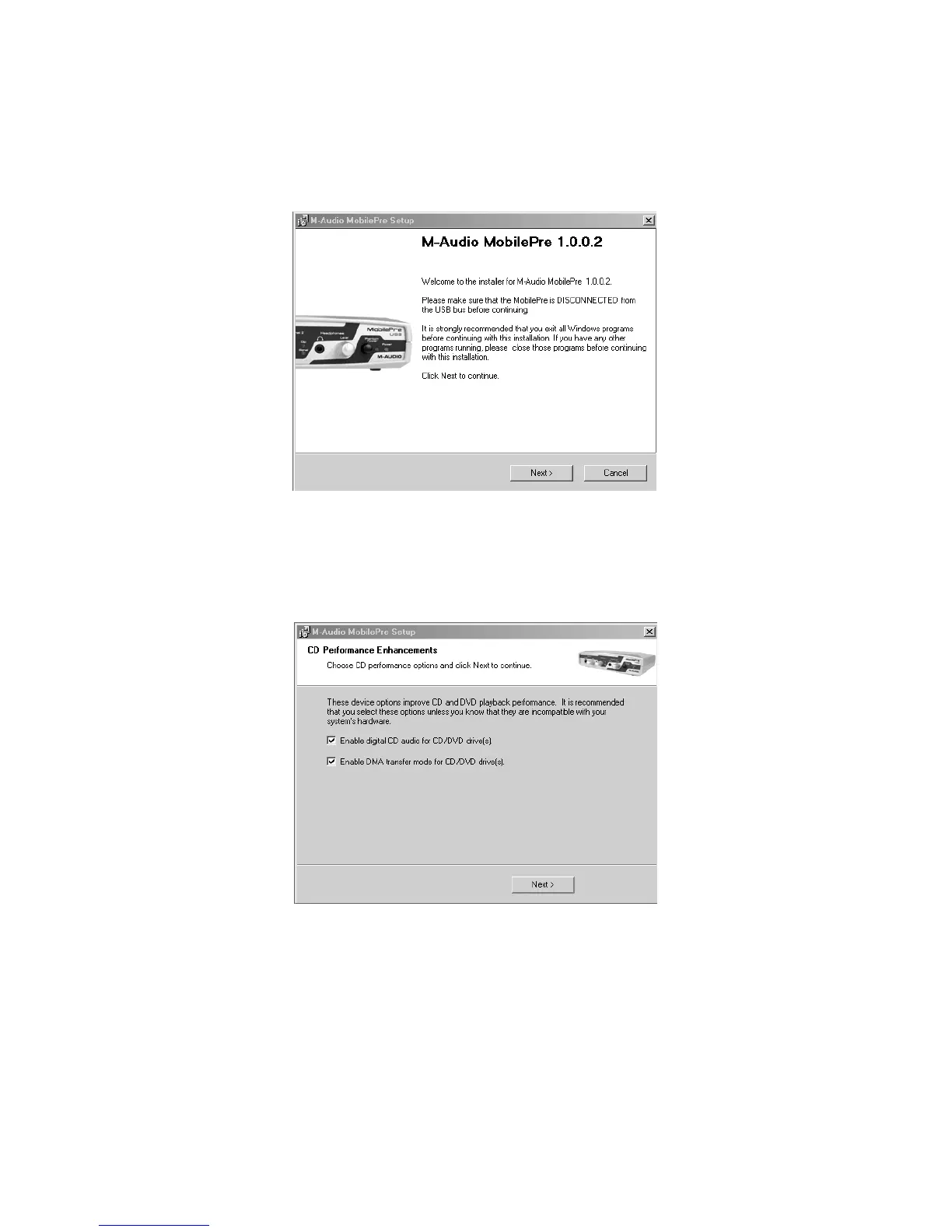
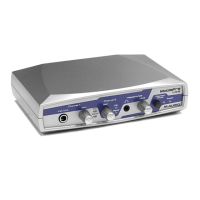
5. Your MobilePre USB must be disconnected from your computer’s USB
bus, before continuing (if you just finished installing Direct X, your
computer will have restarted, and a reminder to disconnect the
MobilePre USB will follow).If it is currently connected,disconnect it now.
6. The MobilePre USB install screen will now appear.Click “Next” to continue.
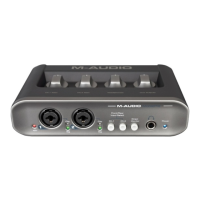
7. A screen appears that displays checked boxes for Digital Audio and
DMA transfer. Click “Next” to continue.
10









 To Next Page