24
MT-550
To set Manual Lat/Lon:
•
Press and hold the
CALL
key. Menu topics appear in the display.
•
Use the SELECT/ENT knob to position the cursor on the DATA SET topic.
•
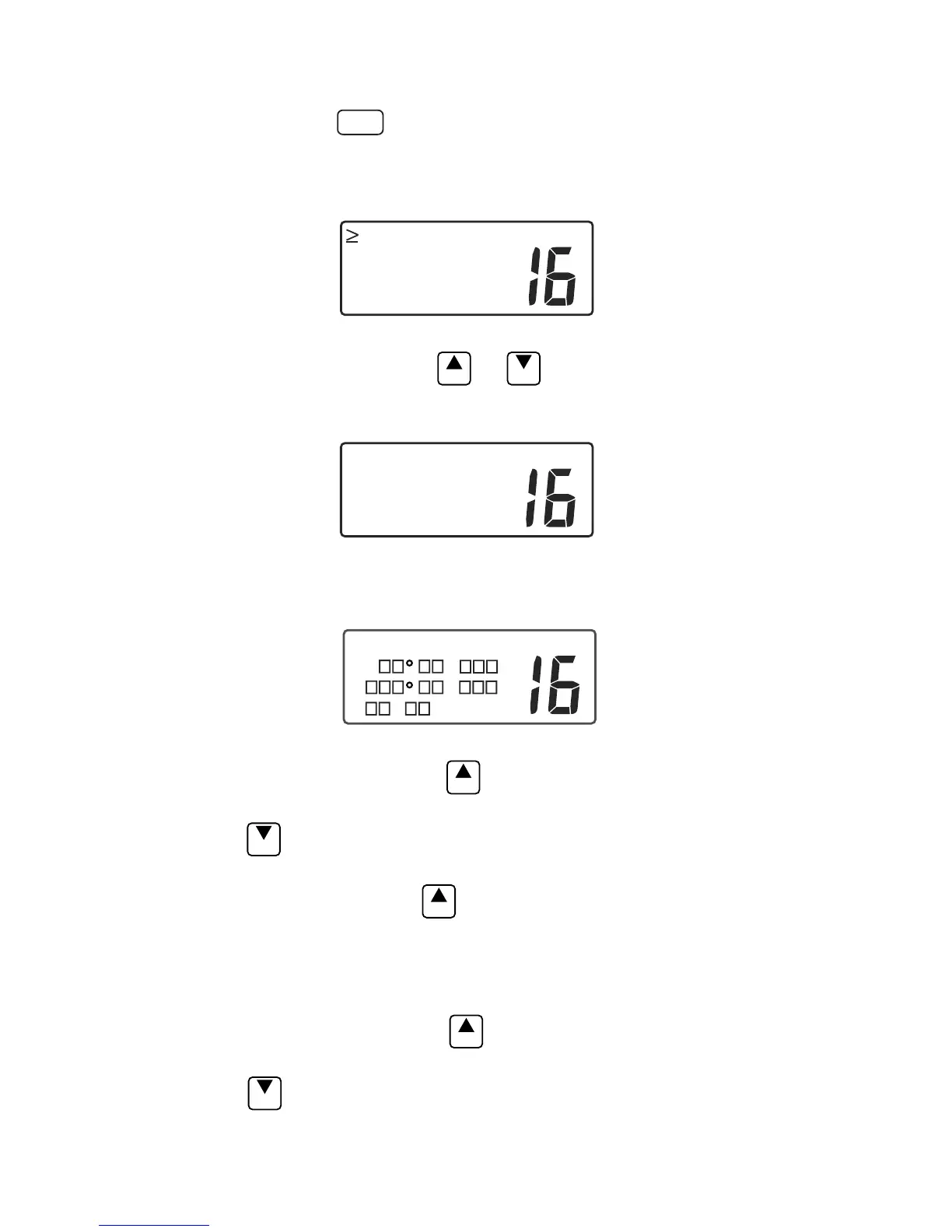
Push the SELECT/ENT knob. The Data Set menu selections appear in the
display.
USA INT
LLPOSITION
TIME/DATE
SOG/COG
MANUAL LL
Data Set Selections
•
Use the SELECT/ENT knob or
ENT
or
EXIT
to select MANUAL LL.
•
Push the SELECT/ENT knob. The MANUAL LL menu appears in the
display.
INT
MANUAL LL
ON
OFF
>SET
Manual LL Menu
•
Use the SELECT/ENT knob to select SET on the menu.
•
Push the SELECT/ENT knob. The SET LL/TIME screen appears.
USA INT
SET LL/TIME
N .
W .
: LOC
Manual LL Entry
•
Push the SELECT/ENT knob or
ENT
key to place the blinking cursor on the
first character (N or S) in the Latitude entry line.
•
Use the
EXIT
key to toggle N or S to select a hemisphere (North or South)
designator.
•
Push SELECT/ENT knob or
ENT
to move the blinking cursor to the next
character in the Latitude entry.
•
Use the SELECT/ENT knob or the microphone keys 0~9 to enter the correct
Latitude value in degrees, minutes and seconds. When Latitude is complete,
the cursor moves to the Longitude line.
•
Press the SELECT/ENT knob or
ENT
key to place the blinking cursor on the
first character (E or W) in the Longitude entry line.
•
Use the
EXIT
key to toggle E or W to select a hemisphere (East or West)
designator.


 To Next Page