34
MT-550
Distress ACK sent to another vessel
If your MT-550 transceiver intercepts a distress ACK from a coast station, an alarm
sounds and the following screen appears in the display.
USA INT
21:45 UTC +
ID998765432
N 29 06.814
W 82 50.169
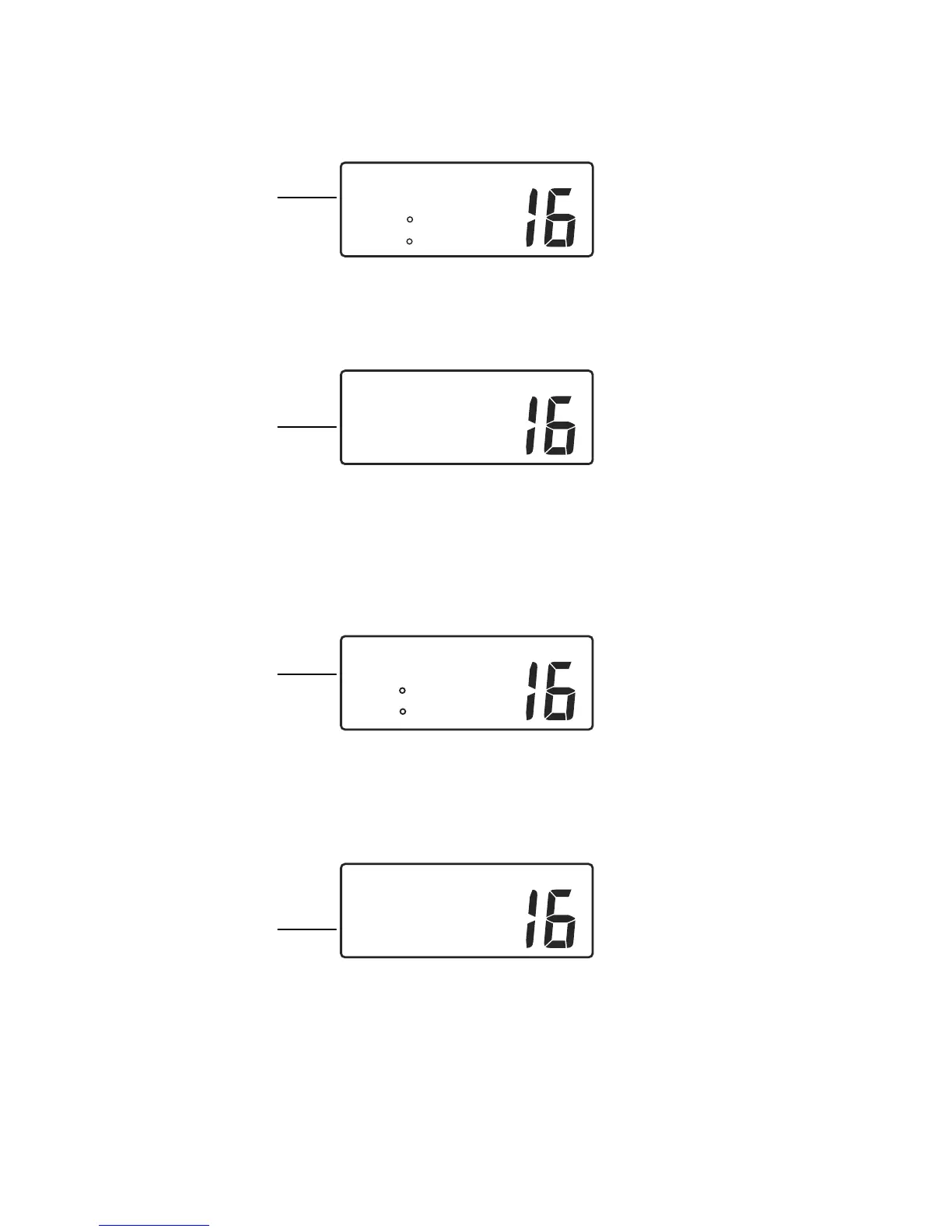
Coast Station ACK to other vessel, page 1
The screen presents time of ACK and Lat/Lon coordinates. The plus sign (+)
indicates there is another page of information available.
•
Push the SELECT/ENT knob to toggle between page 1 and page 2.
INT
EPRIB
Emission.
ID123456789
03 ACK +
Coast Station ACK to other vessel, page 2
The distressed vessel’s MMSID and ACK appear on the second page. Maintain a
listening watch on channel 16 and standby to lend assistance.
Distress Relay from another vessel
If your MT-550 transceiver intercepts a distress relay from another vessel, an alarm
sounds and the following screen appears in the display.
USA INT
04:16
P
+
ID323456789
N 28 29.814
W 82 50.169
Distress Relay, page 1
The screen displays, local time of distress, the MMSID of the vessel sending the
relay message and Lat/Lon coordinates of the vessel in distress. The plus sign (+)
indicates there is another page of information available.
•
Push the SELECT/ENT knob to toggle between page 1 and page 2.
INT
EPRIB
Emission.
ID123456789
04 RELAY +
Distress Relay, page 2
The distressed vessel’s MMSID and RELAY call type appear on the second page.
Your vessel does not re-send a distress relay message.
Name or ID of
Coast Station
Name or ID of
Vessel in Distress
Name or ID of
Vessel sending
message
Name or ID of
Vessel in Distress


 To Next Page