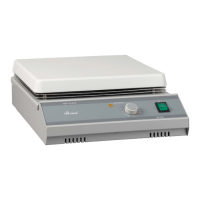
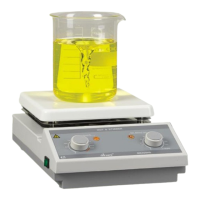
Heating Instructions
▷ If liquid or wet solid material gets inside the product, immediately disconnect power to the
product and discontinue use. Contact Labnet for additional instructions regarding interior spills.
MS300HS,MS100(HP100)
1. Fill vessel with solution to be heated.
▷ Do not disassemble, modify, revise or repair this product. This may be a cause
2. If using a MS300HS and the stirring function, place stir bar into vessel. a malfunction,electrical fire.
3. Place vessel in the center of the top surface. ▷ We recommend to store the item and its components in its original box, or a similar container
4. Turn power switch ON. Then Hot Top Indicator Lamp will illuminate. that offers adequate protection against damage in transit. Tape the box securely.
5. Heat Control Knob until the desired temperature.
6. Temperature Indicator Lamp will illuminate when the heater runs
7. When the desired heating is complete, turn the Heat Control Knob to “0” position. And
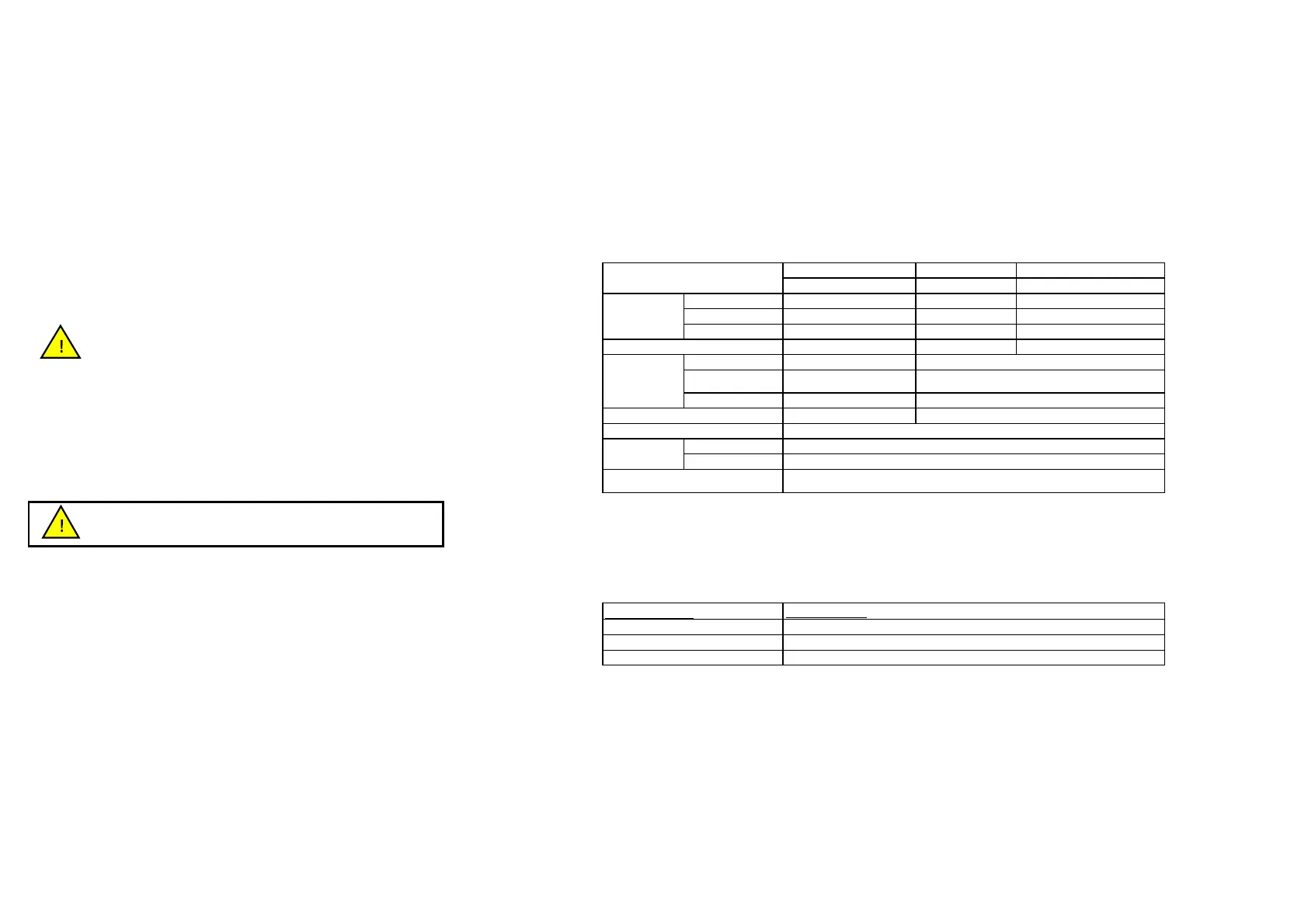
Technical Specifications:
remove the vessel from the unit.
8. Disconnect Main power cord from the unit
MS100(HP100) MS200
9. Keep the product dry and clean disconnecting Main power cord when tehn unit is not
Hot plate Magnetic Stirrer
used for a long time.
Range Max. 380℃
Display Scale(temperature)
Caution: The Hot Top Indicator will turn OFF when the power switch is OFF even
Controller
Analog temperature controller
if the temperature of the top surface is still hot to touch.
680W 15W
Speed
Product Repair:
Speed display
Capacity
There are no direct user serviceable components inside this series of products.
Please contact you Mtops Distributor for repair or maintenance issues.
Plate area(mm)
Overall(WxDxH)
Product Maintenance and Storage:
Power
Product Codes :
Inspect the power cord regularly and replace if damaged. Use only replacement power cords
available from Mtops or authorized Mtops product distributors.
Top Plate
▷ The top plate may break during use if not properly maintained.
▷ Keep the top plate clean. A nonabrasive cleaner may be used to clean the top plate.
▷ Inspect the top plate for damage during cleaning.
▷ Discontinue product use if the top plate is chipped, etched, or shows excessive scratching.
▷ Contact your Labnet Distributor or Labnet Customer Service for top plate replacement.
General
▷ It is important to keep this product dry and clean.
▷ Remove minor exterior liquid spills promptly.
▷ Clean exterior surfaces with a nonabrasive cleaner. Do not clean this product with
substances such as alcohol or benzene. (Use neutral detergent.) Do not reconnect
product to power input until all cleaned surfaces have dried.
Magnetic Stirrer, 120V or 230V
Hot Plate & Magnetic Stirrer, 120V or 230V
AC 120V 50/60Hz or 230V 50/60Hz
Analog temperature controller
Disconnect the plug before cleaning !


 To Next Page
 Loading...