5
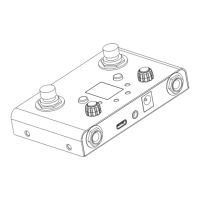
⑧ Right button: Select the preset backward. Press the left and
right button to enter the BYPASS state.
⑨ Display screen: Display the number of the current preset (01-32)
or the BYPASS status (bp is displayed on the screen).
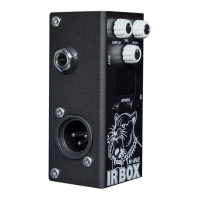
⑩ Input inteace: 1/4 " mono audio input inteace.
⑪ Output inteace: 1/4 " mono audio output inteace.
⑫ Balance output inteace: XLRbalance Kanon output inteace.


 To Next Page