hi
F
ace
T
wo
192
k
H
z
/24bit digital audio interface
REVISION 1.0 – MAY 2013
Copyright © 2013, M2Tech Srl
17
M2Tech
www.m2tech.biz
5.3. Unistalling the driver
Sometimes it is necessary to uninstall the driver to roll back to a previous version. Uninstall
is a quite simple procedure.
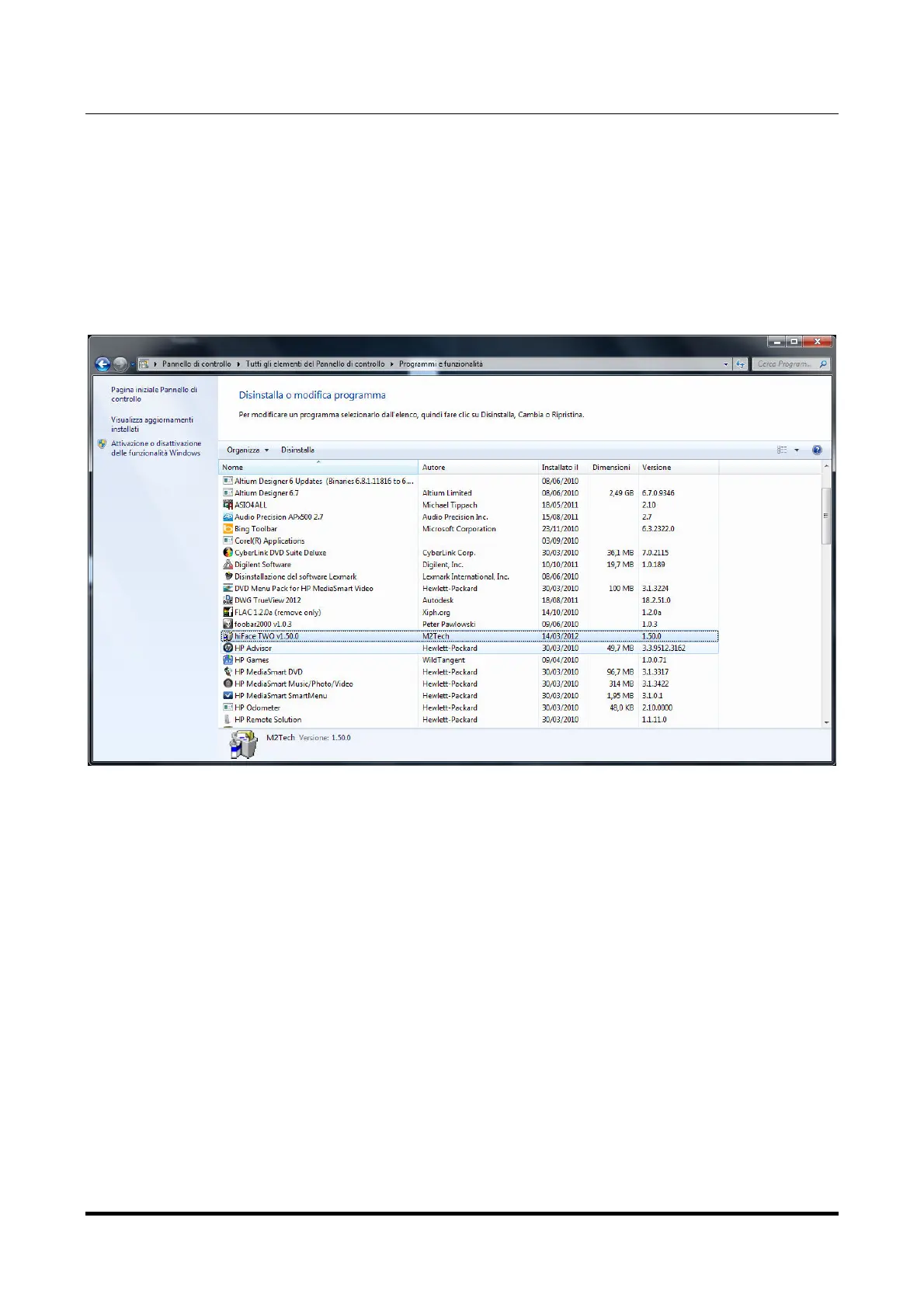
Go to the control panel and launch the “Application Installation” utility (Figure 13).
Look for the hi
F
ace
T
wo driver item in the list. Double-click on it to launch uninstalling.
Figure 13
The installation wizard, which also handles uninstalling, will show up (Figure 14 on next
page). Click on “Uninstall” to start uninstalling.


 To Next Page