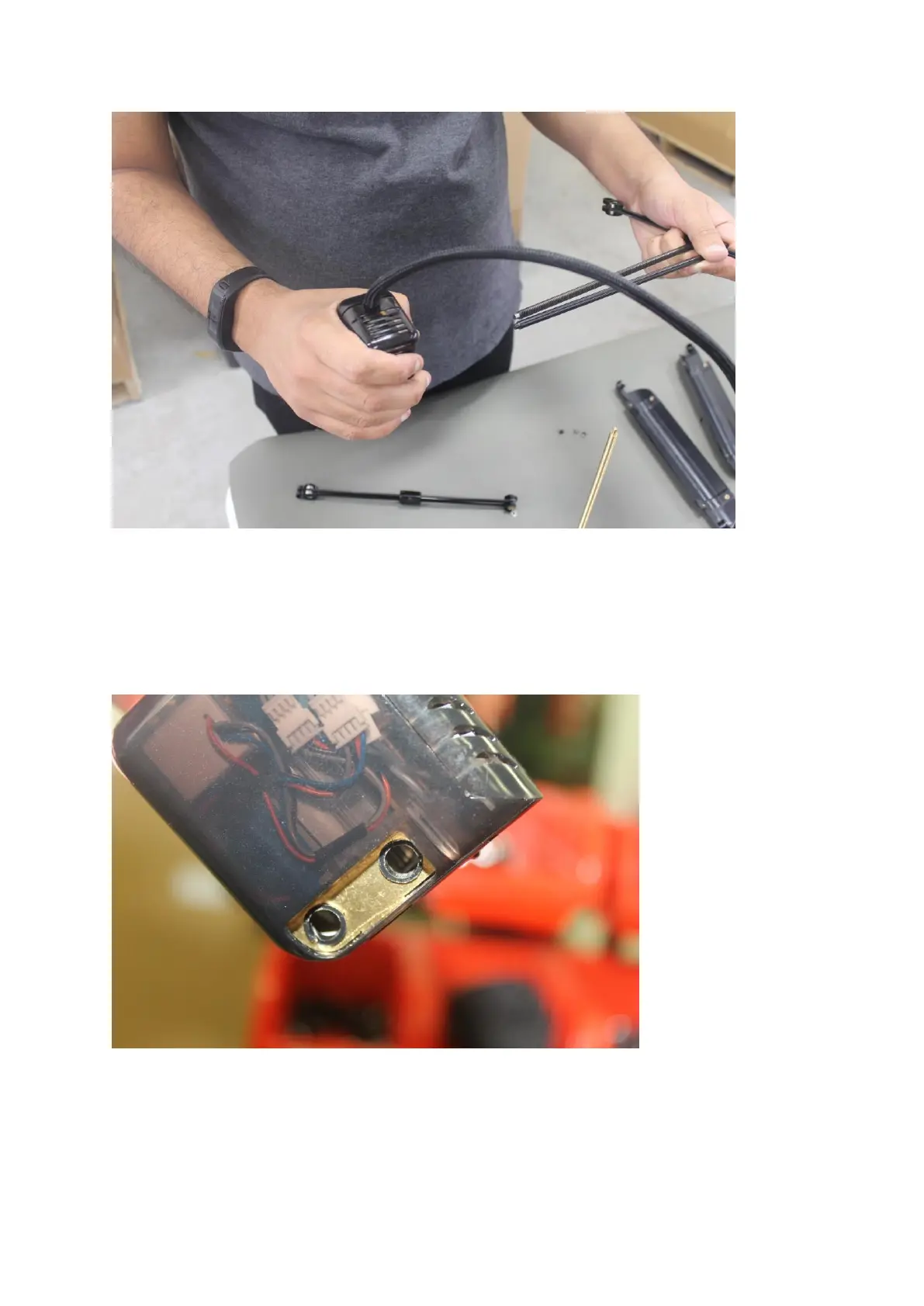
Step 8. If you are running into any grinding noises please continue with this step.
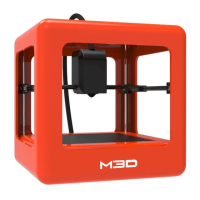
Once the extruder is off you should be able to see the X gear and encoder wheel
inside the holes where the X rods are inserted. A encoder wheel rubbing up against
the encoder could be causing your noise issue. Please provide a picture like the one
below.
If you cannot get a good shot of the encoder wheel and encode together then please
continue with the next step.
Step.9 In this step we will disassemble the extruder core slightly to get a better photo of the
encoder wheel and encoder. Pinch the bottom of the front cover to remove it.
1.


 To Next Page