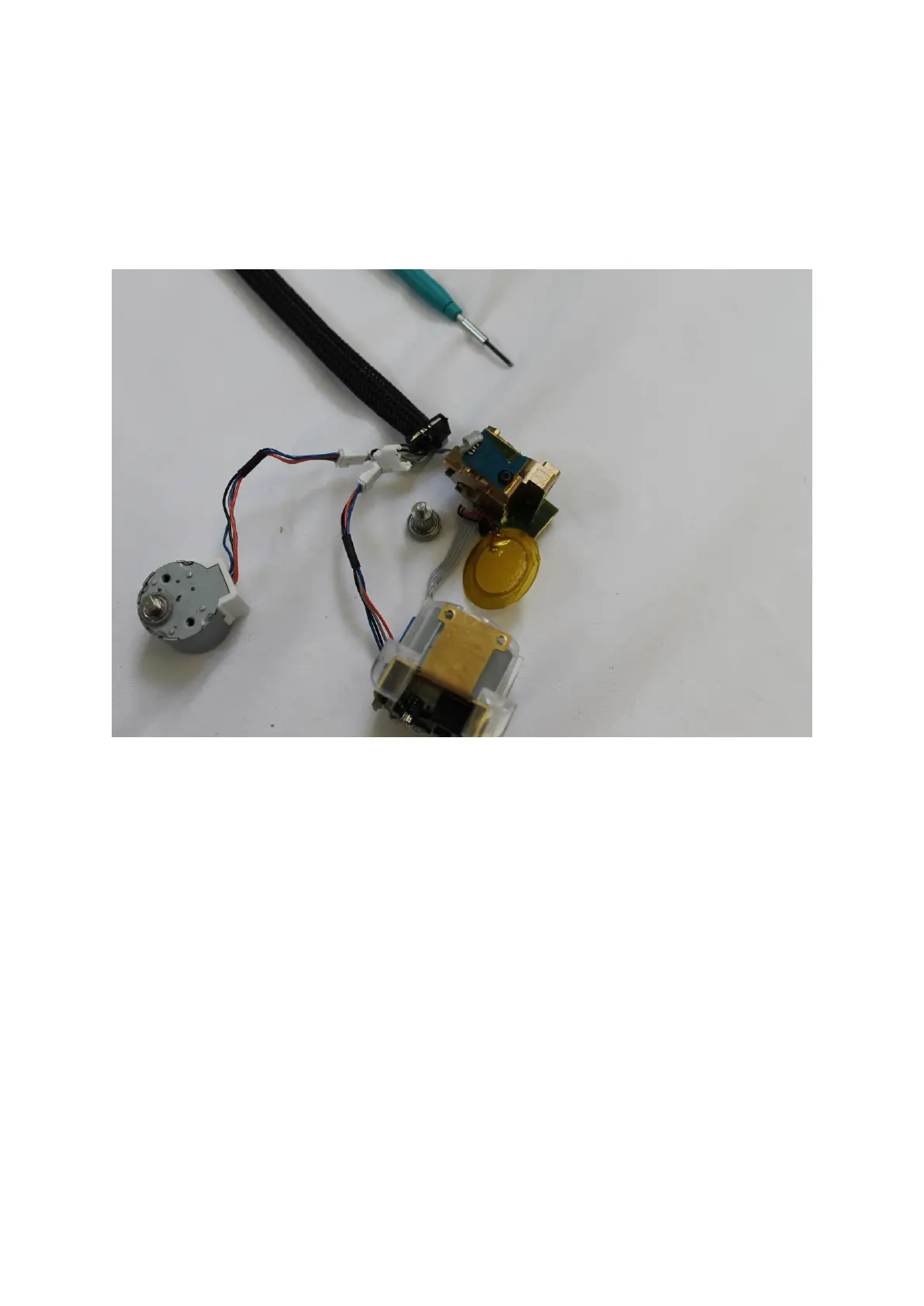
The extruder gear after being pushed out will look like as shown in the picture below.
The extruder gear has a small bearing that sits on the top and it remained inside the
extruder housing when the old extruder gear was pushed out and thus is not shown
in the picture below. If that bearing comes out of the housing make sure that you
place it back on the top of the new extruder gear and then push the whole assembly
(extruder gear plus the top bearing) into the extruder housing.
Step 18: The new extruder gear is placed into the extruder housing as shown in the
picture below:


 To Next Page