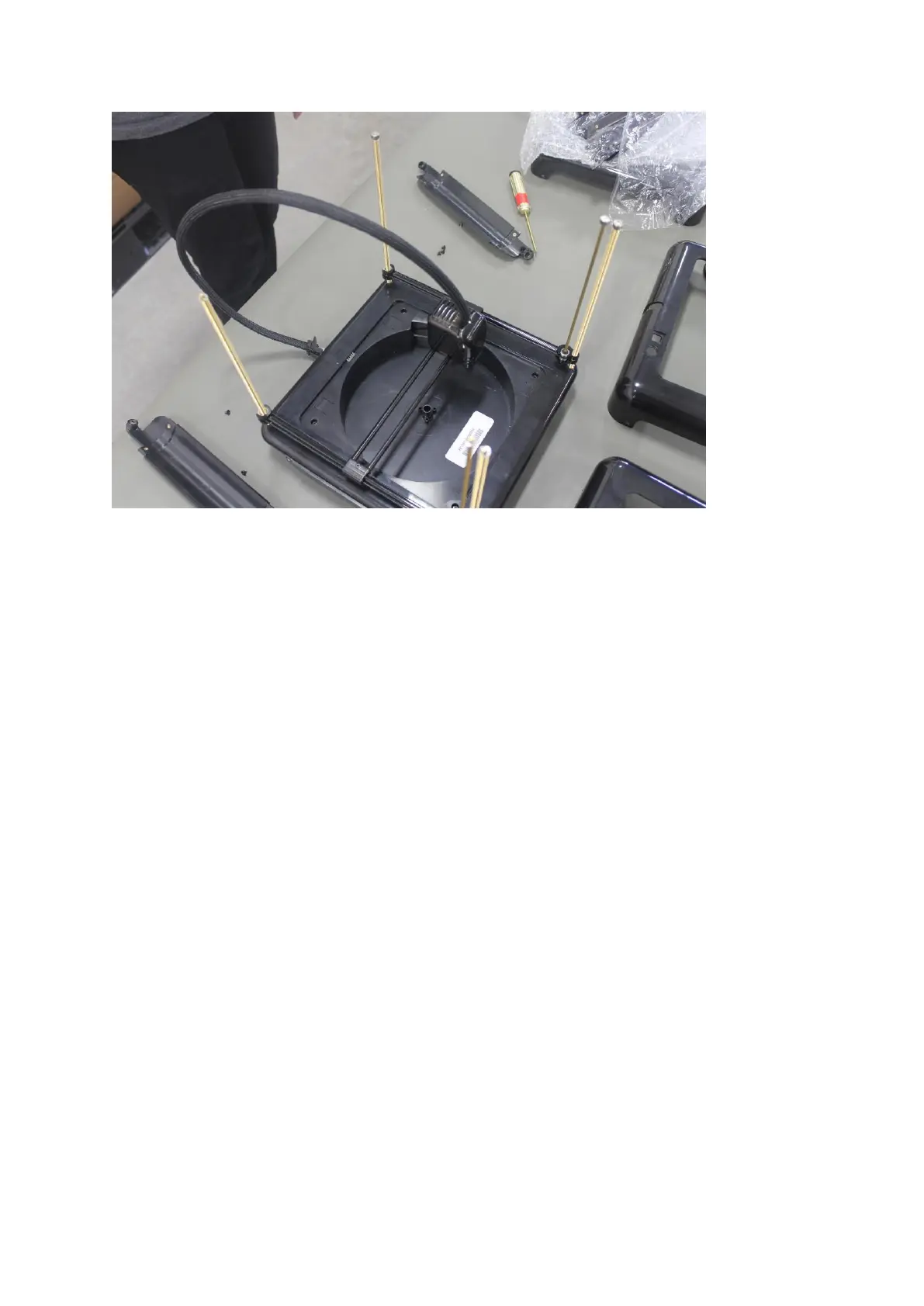
Once the rails are removed be sure to check the rods to make sure all the spring washers are
there. You should have one spring washer on each rod. You may want to remove these and
keep them in a safe place so you do not lose them.
Step 5. If you need to remove the extruder and gantry’s from the rods continue on with this
step. Next you will need to open the software and go to Setting >>> Expert Controls >>> Basic
Controls. Once there you will notice some arrows with letters on them. Please use the Z +
arrow to move the extruder up towards the top. You can use the box in between the Z arrows
to increase the increments at which the extruder moves up and down. Keep moving the
extruder up in till it reaches the top.
1.


 To Next Page