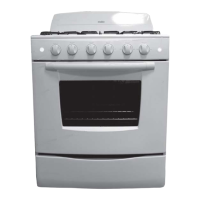
EML535 / JCB535 Models
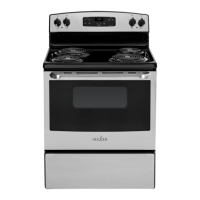
EML735 / JCB735 Models
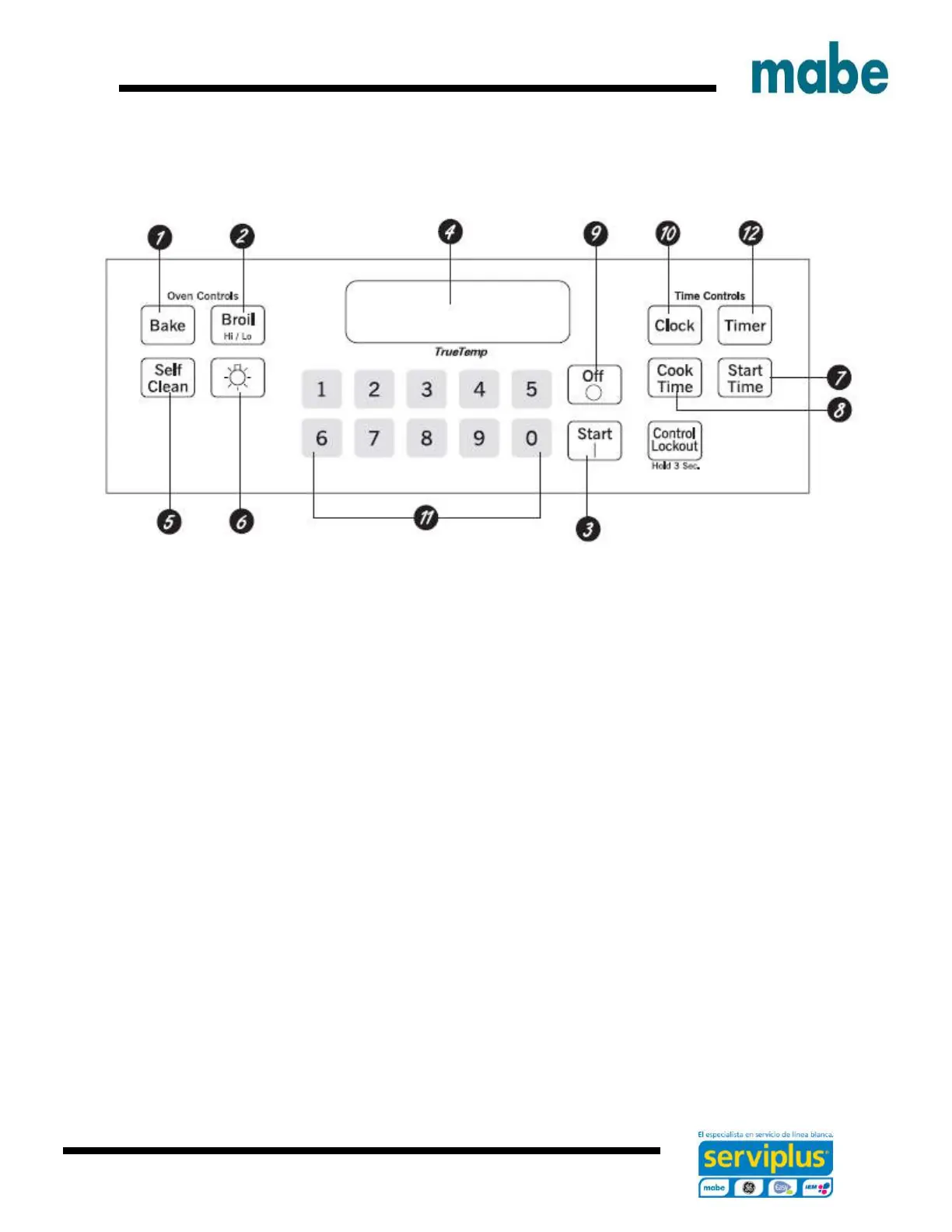
1. Bake pad
Touch to select the bake function.
2. Broil pad
Touch to select the broil function.
3. Start pad
Must be touched to start any cooking or cleaning function.
4. Display
Shows the time of the day, oven temperature, wheter the oven is in te bake, broil or self – cleaning
mode and the times set for the timer or automatic oven operations.
If “F – and a number or letter” flash in the display and the oven control signals, this indicates a
function error code. Touch the OFF pad. Allow the oven to cool for one hour. Put the oven back
into operation.


 To Next Page