12. Number pads
Use to set any function requiring numbers such as the time of day on the clock, the timer, the
oven temperature, the internal food temperature, the start time and length of operation for timed
baking and self cleaning or setting the clock.
13. Timer pad
Touch to select the timer feature.
Warming zone
Tocuh to keep hot cooked food hot.
Using the oven
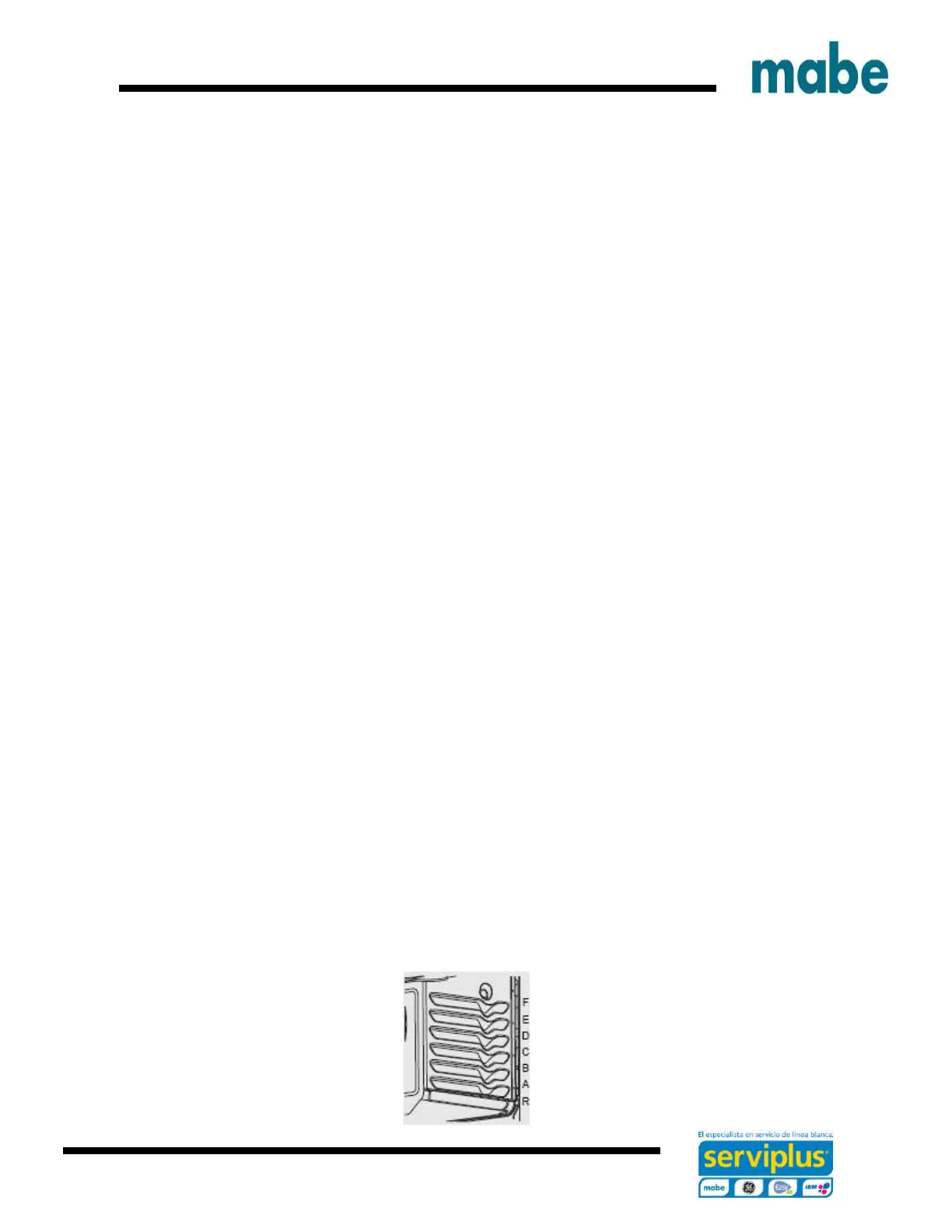
To avoid possible burns, place the racks in the desired position before turning on the oven.
Before you start...
The racks have stops, so that when placed correctly on the supports, they will stop before coming
completely out and will not tilt.
When placing and removing cookware, pull the rack out until it stops.
On some models, the bake heating element is under the oven floor. Do not place foods on the
oven bottom for cooking.
To remove a rack, pull it toward you, tilt the front end up and pull it out.
To replace, place the end of the rack (stop-locks) on the support, tilt up the front and push the
rack in.


 To Next Page