9
OPERATING INSTRUCTIONS
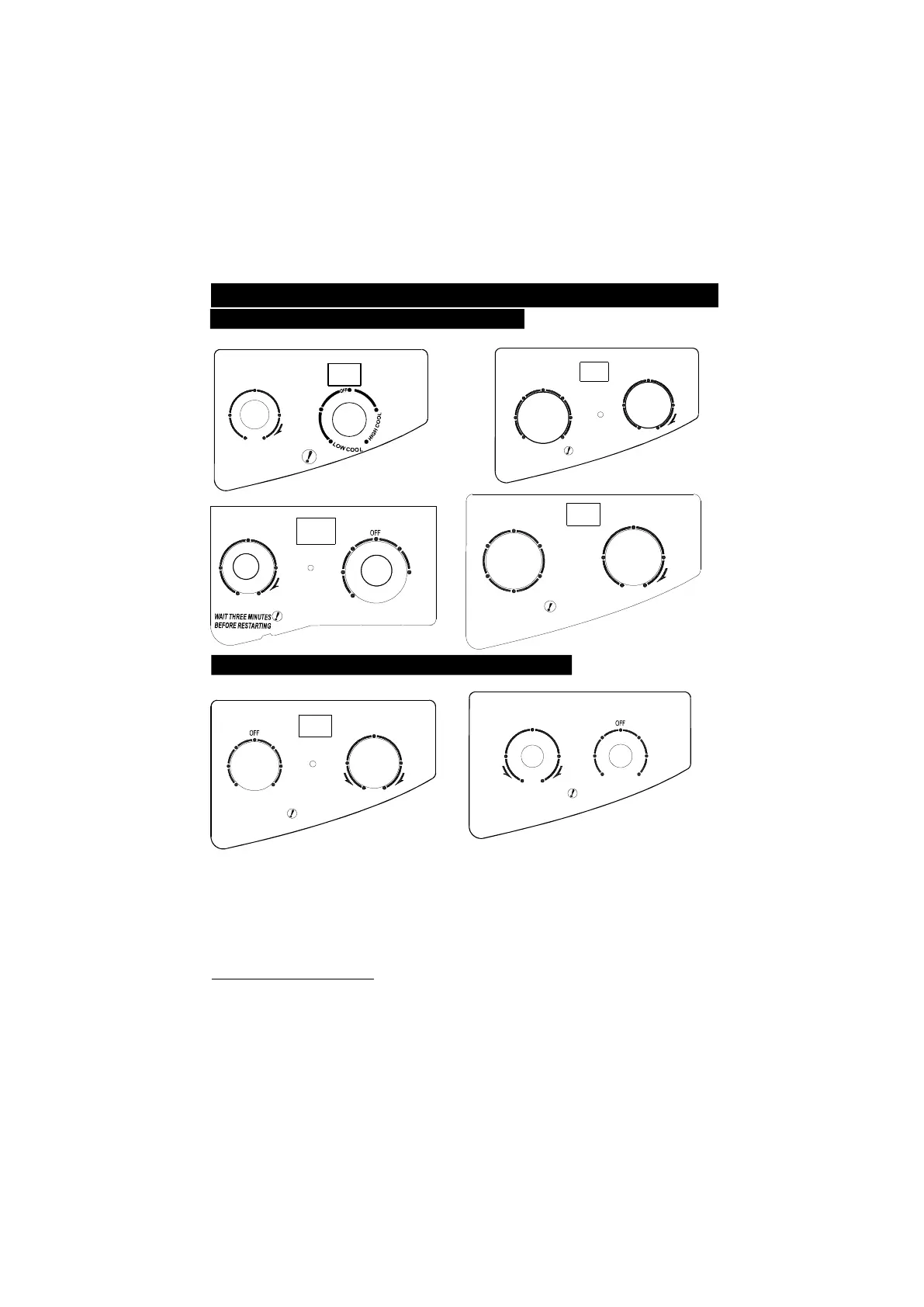
OPERATION PANEL(Cooling only models)
The control panel of the unit you purchased may look like one of the followings:
3
6
9
1 1 2
THERMOSTAT
AUTO SWING
SELECTOR
OFF
ON
COOLER
LO W
FAN
MED
FAN
HIG H
FAN
LO W
COOL
MED
COOL
HIGH
COOL
WAI T THR EE MINUTES
BEFORE RE STARTI NG
OFF
SELECTOR
3
6
9
1 12
THERMOSTAT
AUTO SWING
POWER
COOLER
HIGH
COOL
MED
COOL
LOW
FAN
LOW
COOL
HIGH
FAN
ONOFF
3
6
9
1
1 2
THERMOSTAT
COOLER
WAIT THREE MINUT ES
BE FORE RESTA RTING
SELECTOR
HIGH
FAN
LOW
FAN
AUTO SWING
ON
OFF
THERMOSTAT
AUTO SWI NG
SELECTOR
ON
OFF
WAIT THR EE MINUTES
BEF ORE RESTARTING
OFF
HIGH
COOL
MED
COOL
LOW
COOL
HIGH
FAN
LOW
FAN
COOLER
3
6
9
1 12
POWER
NOTE:
AUTO SWING switch is optional. All the illustrations in this manual are for explanation
purpose only. Your air conditioner may be slightly different. The actual shape shall prevail.
POWER indicator(optional):
This indicator light remains on when the unit is on and goes off when the SELECTOR is on OFF
position. On some models, COMP. Indicator light is instead of POWER indicator light.
“ ”
This indicator
light shows the status of the compressor. When the compressor starts up, it lights on; when the
compressor shuts down, it lights off.
OPERATION PANEL(Cooling & Heating models)
The operation panel of your unit would look like one of the followings:
THERMOSTATSELECTOR
WAIT THREE MINUT ES
BEFORE RESTARTING
HIGH
HE AT
LO W
HE AT
LO W
FAN
HIGH
FAN
LO W
CO OL
HIGH
CO OL
1
12
9
6
3
HEATER
COOLER
AUTO SW I NG
ON
OF F
PO WER
THERMOSTAT
SELECTOR
WAIT THREE MINUTES
BEFORE RESTARTING
1
12
9
6
3
HEATER
COOLER
HIGH
HEAT
LOW
HEAT
FAN
LOW
COOL
HIGH
COOL
Operation instr uctions
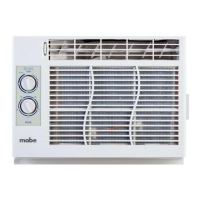
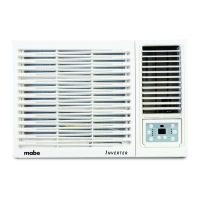
The controls featured in this manual are representative of many available models. Your
model may offer slightly different features.



 To Next Page