Chapter 2 Get started 16
Multitask on your desktop
The Tabs feature is available in most apps that support multiple windows, such as Pages,
Numbers, Maps, and more. And while you’re browsing multiple tabs, you can watch a video using
Picture in Picture.
Note: Picture in Picture is not available in all regions.
another app.
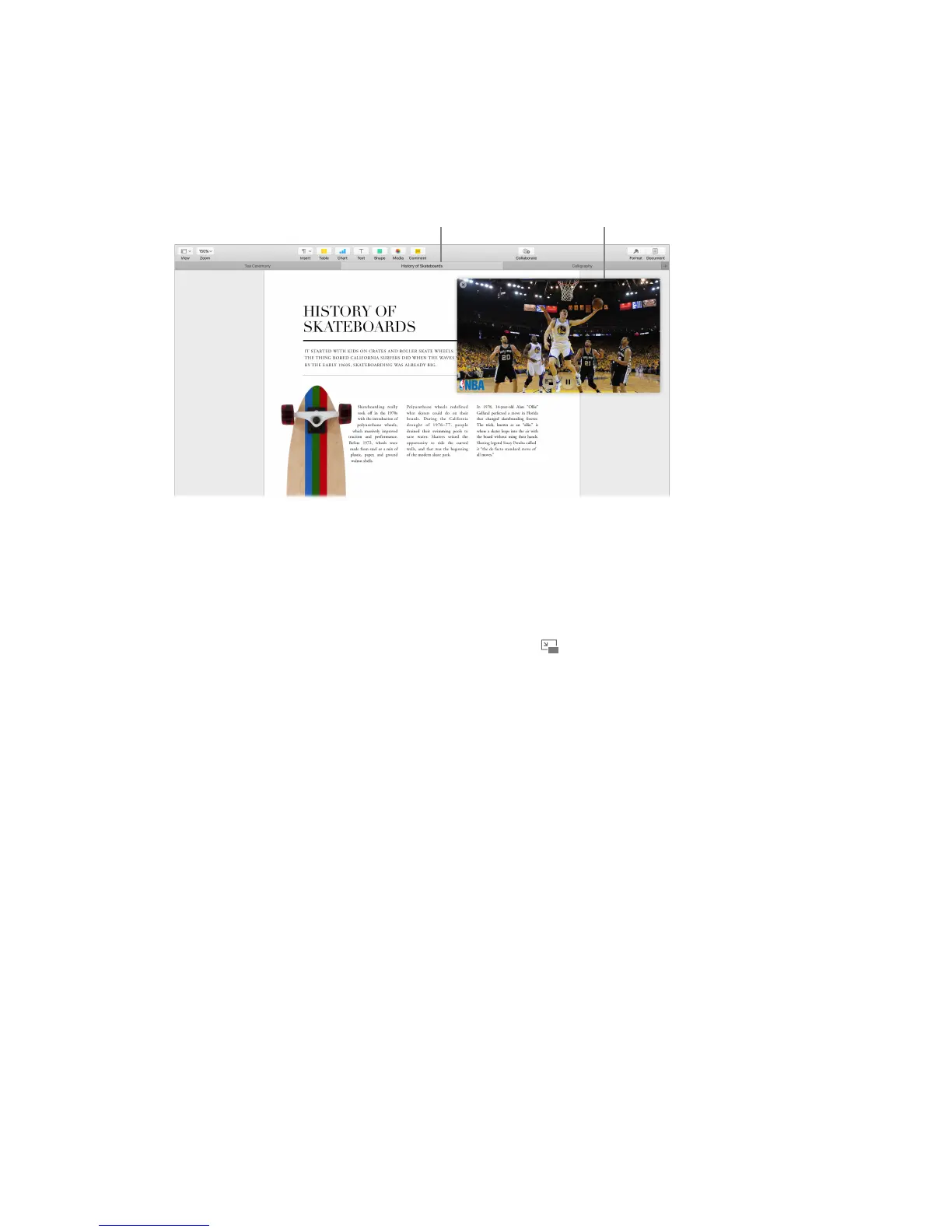
Browse content with tabs. Open multiple tabs in an app to compare content—for example,
Numbers spreadsheets or Pages documents. Or copy and paste content from one tab to another.
Tabs also work with third-party apps.
To set tab preferences, choose Apple menu > System Preferences, then click Dock. Choose an
option from “Prefer tabs when opening documents.”
Watch while you work. Click the Picture in Picture button in a Safari or iTunes video. You
can drag it to any corner of your desktop. Your video stays put while you switch between apps
and spaces.
74% resize factor


 To Next Page
 Loading...