Chapter 2 Get started 20
Phone calls
You can take calls—and make them—right from your Mac mini. (Requires an external
microphone. Accessories are sold separately at apple.com or your local Apple Store.)
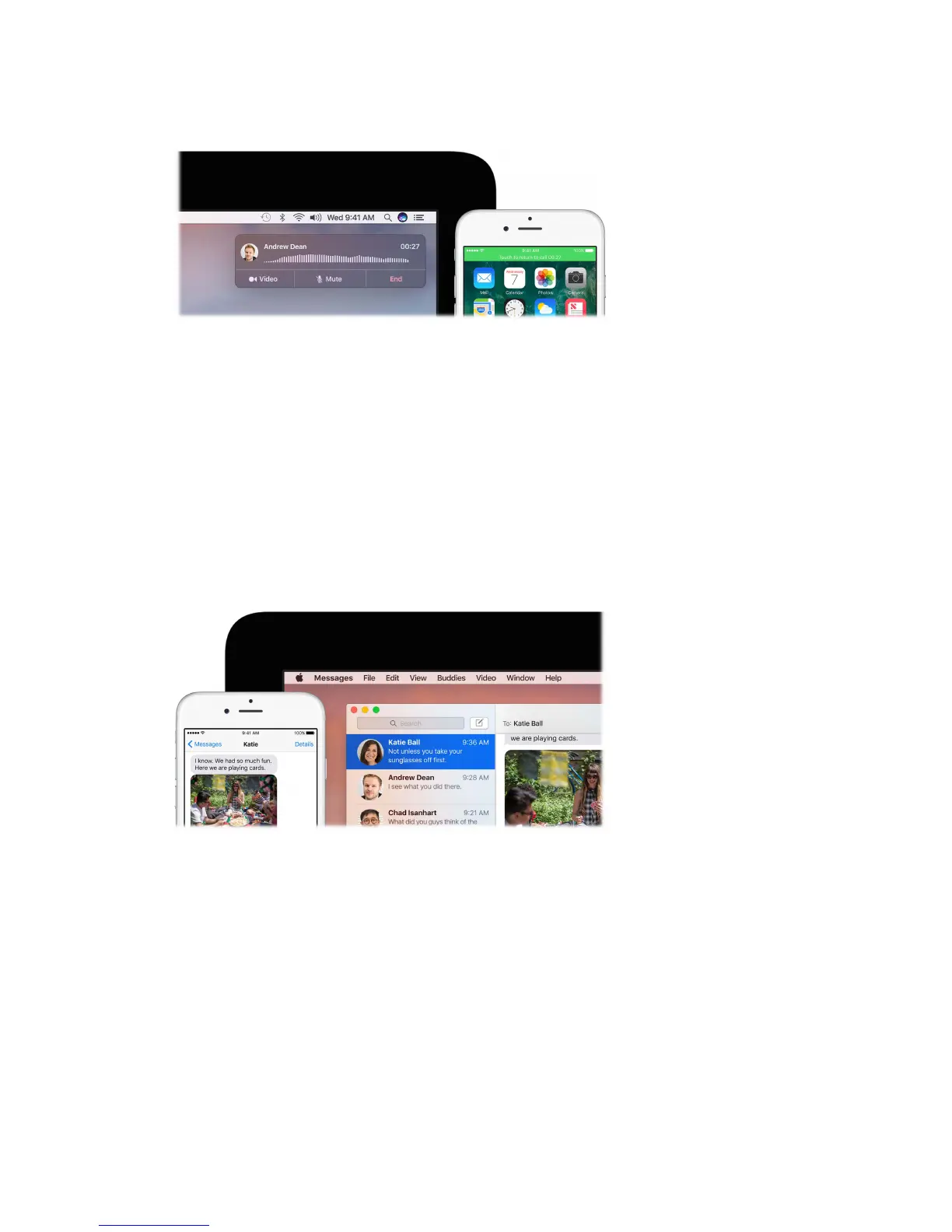
Take a call. When someone calls your iPhone, click the notication that appears on your display.
Your Mac mini becomes a speakerphone, when used with an external microphone.
Make a call. Click a phone number in a Spotlight search, or in an app such as FaceTime, Contacts,
Safari, or Calendar. A nearby device (iPhone, iPad) with a cellular connection is required in order
to make phone calls.
Text messages
Send and receive SMS and MMS text messages right from your Mac mini. When friends and
family text you, you can respond with whichever device is closest. All messages appear on
your Mac mini, iPhone, iPad, iPod touch, and Apple Watch. (Voice messages require an external
microphone. Accessories are sold separately at apple.com or your local Apple Store.)
Note: To set up this feature, go to Messages > Preferences, then click Accounts.
74% resize factor


 To Next Page
 Loading...