Chapter 2 Get started 25
Save space on your Mac mini
macOS Sierra frees up space on your Mac mini and helps you save space as you work. You can set
options to free up even more space on your Mac mini.
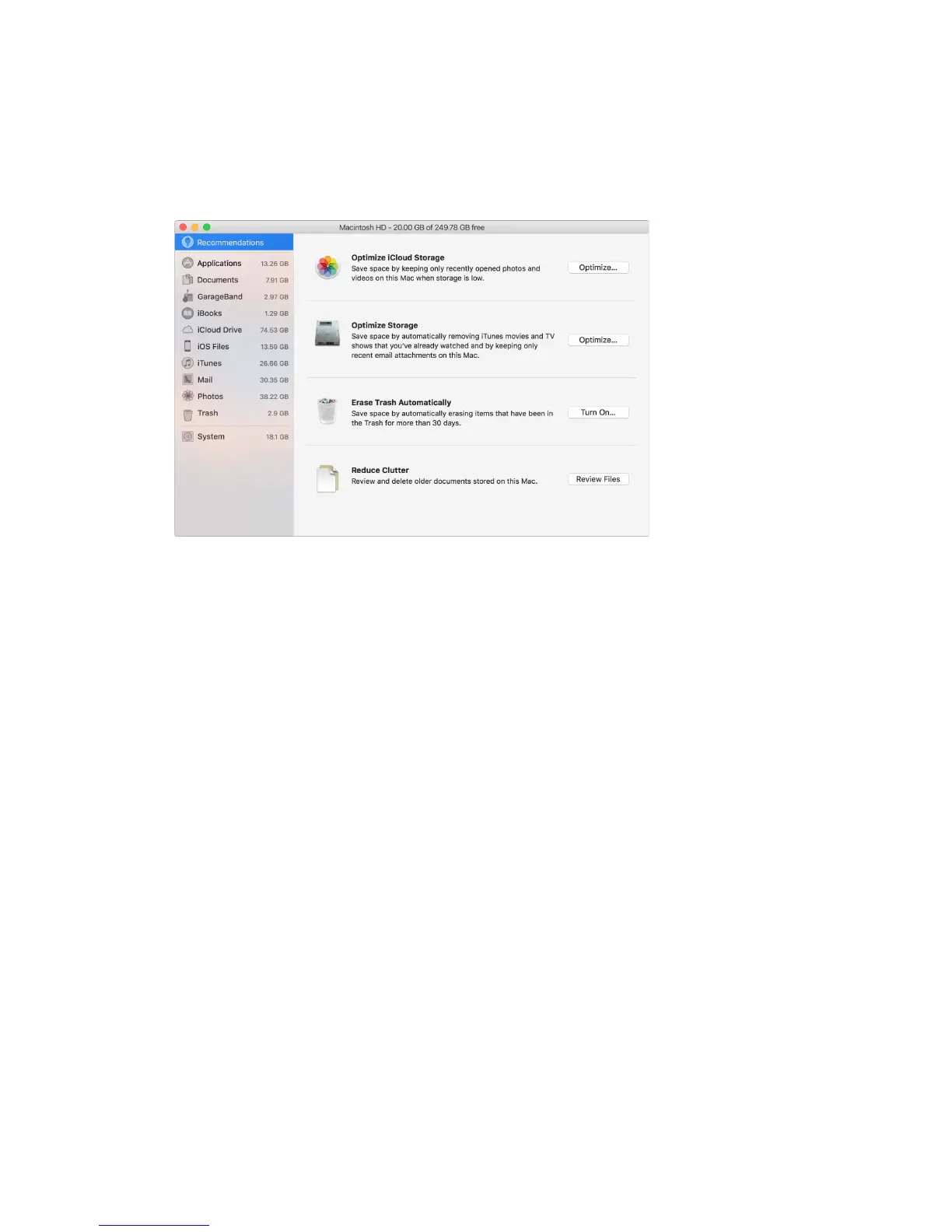
Optimize storage. Set options in the Recommendations pane. Go to Apple menu > About This
Mac, click Storage, then click Details. When your Mac is low on storage, you’ll see an alert that will
open the Recommendations pane.
Set options to:
•
Optimize iCloud Storage:
•
Store les in iCloud, where they stay secure and available. You can turn on iCloud Drive to
store les on your desktop and in your Documents folder in iCloud.
•
Turn on iCloud Photo Library to store items from the Photos app in iCloud.
For more information, see Access your content anywhere with iCloud.
•
Optimize Storage: Remove iTunes movies and TV shows you’ve watched, and keep only recent
email attachments.
•
Erase Trash Automatically: Automatically erase items that have been in the Trash for more than
30 days.
•
Reduce Clutter: Review documents and delete older ones stored on your Mac mini.
macOS Sierra also prevents you from downloading the same le twice from Safari, alerts you to
remove installer software when you nish installing a new app, clears logs and caches that are
safe to remove when you’re low on storage, and more, to help you save space as you work.
74% resize factor


 To Next Page
 Loading...