Chapter 3 Apps 29
Mail
Mail lets you manage all your email accounts from a single app. It works with most popular email
services, such as iCloud, Gmail, Yahoo Mail, and AOL Mail.
One-stop email. Tired of signing in to multiple websites to check your email accounts? Set
up Mail with all your accounts so you can see all your messages in one place. Choose Mail >
Add Account.
Ask Siri. Say something like: “Any new mail from Laura today?”
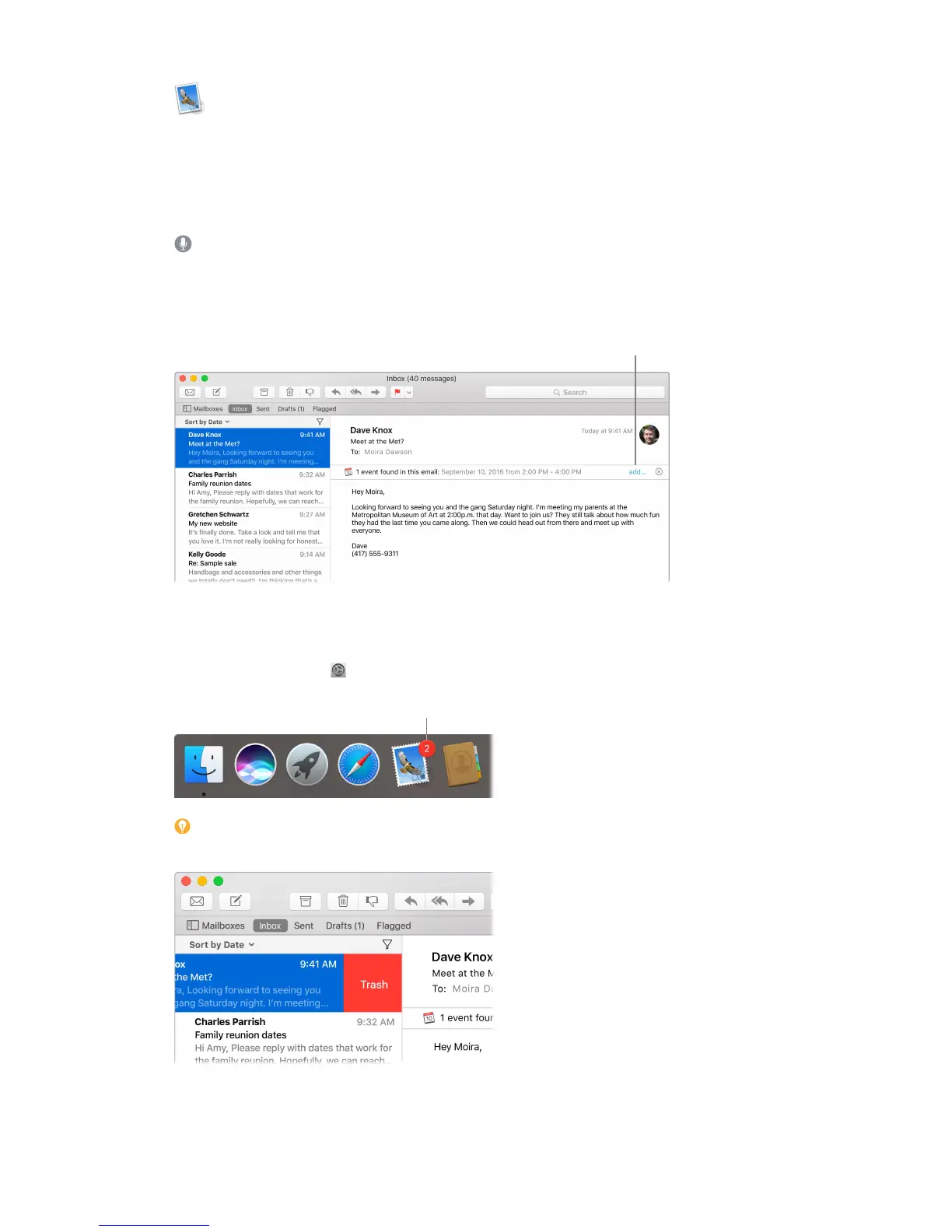
Add events and contacts right from Mail. When Mail detects a new email address or event in a
message, just click Add to add it to Contacts or Calendar.
your contacts or calendar
with a single click.
Never miss an email. Check the Mail icon in the Dock to see the number of unread messages.
When you get new email, a notication also appears at the top-right of the screen so you can
quickly preview the new messages. (Don’t want notications? You can turn them o: Click the
System Preferences icon in the Dock, then click Notications.)
messages.
Tip: To quickly delete a message in your inbox, swipe left across the message with one nger
on your Magic Mouse, then click Trash. Or swipe right to mark the message as Unread.
74% resize factor


 To Next Page
 Loading...