Chapter 3 Apps 33
A calendar for every part of your life. Create separate calendars—for example, for home, work,
and school—each with its own color. Choose File > New Calendar to create a calendar, then
Control-click each calendar to choose a new color.
Share across your devices and with others. When you’re signed in to iCloud, your calendars are
kept up to date on all your Mac computers and iOS devices. You can also share calendars with
other iCloud users.
Tip: If you add a location to an event, Calendar shows you a map, estimated travel time and
time to leave, and even the weather forecast.
Photos
Use Photos to organize, edit, and share your photos, live photos and videos, and keep your
entire photo library up to date on all your devices with iCloud Photo Library. You can also create
slideshows and beautiful photo gifts.
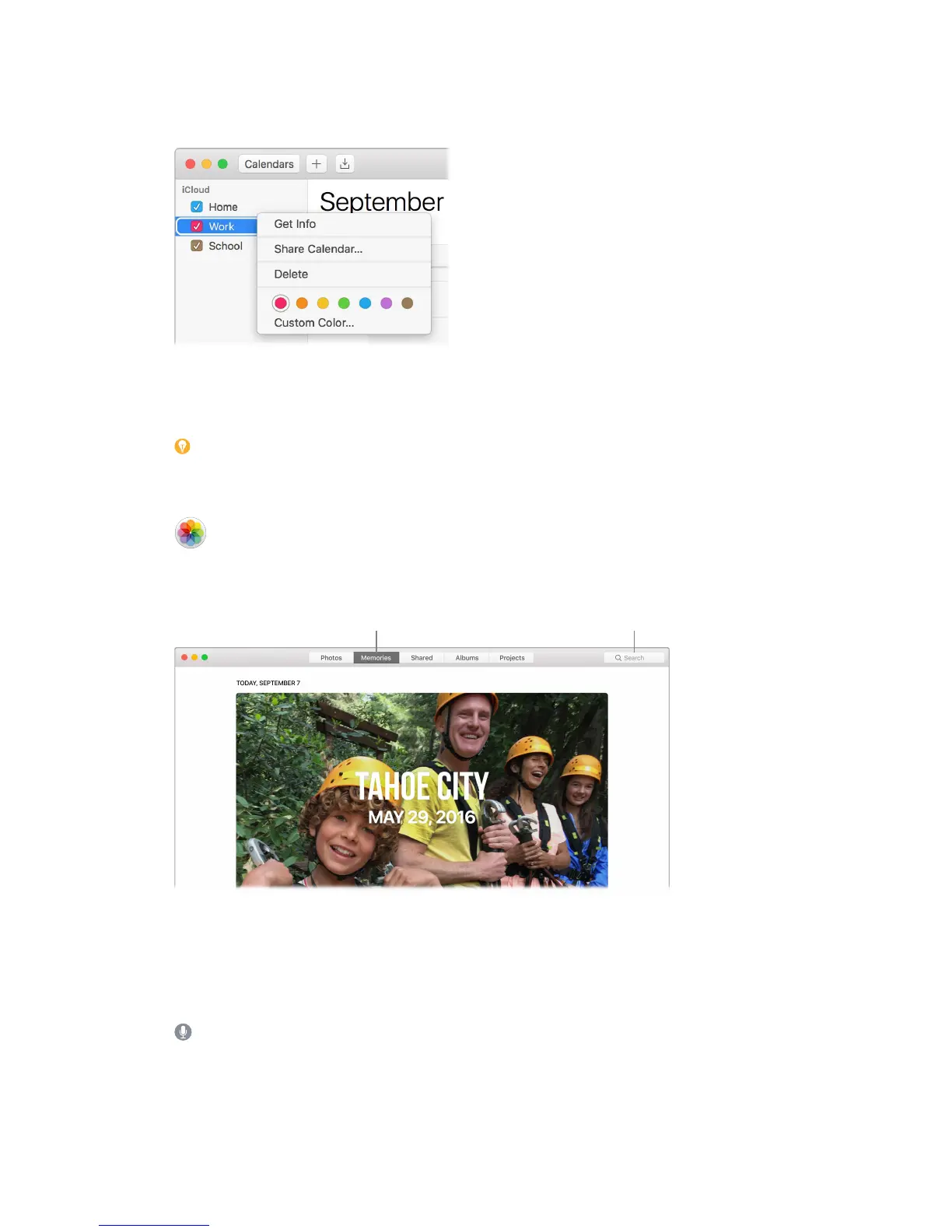
Relive meaningful moments. Click Memories in the sidebar to see favorite and forgotten
occasions from your photo library. Memories automatically creates photo collections from events
like a wedding or family vacation.
Find the perfect shot. Search your photos based on what’s in them. Photos identies objects,
scenes, and people, so you don’t have to use keywords to tag each photo.
Ask Siri. Say something like: “Show me pictures of Sally at the beach.”
74% resize factor


 To Next Page
 Loading...