Chapter 3 Apps 38
Pages
Use the Pages app to create stunning, media-rich documents on your Mac. Open and edit
Microsoft Word les, and easily share a link to your work in Mail or Messages, right from
the toolbar.
Look good! Pages includes a variety of beautiful templates for yers, newsletters, reports, and
résumés, among others, making it easy to start your project.
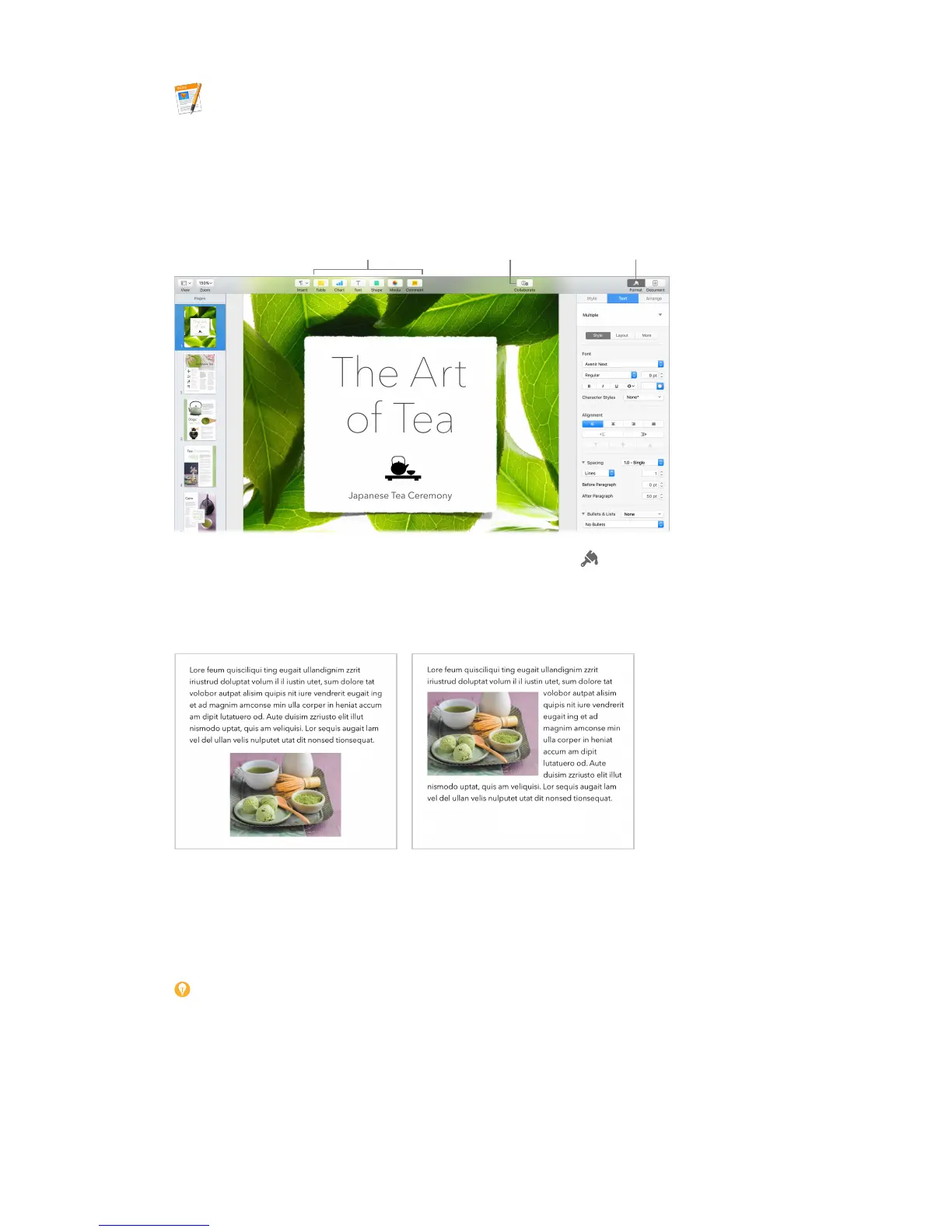
Format sidebar.
All your formatting tools, in one place. Click the Format button in the toolbar to open the
Format inspector. Select something in your document, and the formatting options for it appear.
Flow text around graphics. When you add an image to a text document, the text ows
automatically around the image. You can ne-tune how the text wraps in the Format sidebar.
Move a graphic into a text block… …and the text wraps around the
graphic automatically.
Start on your Mac, nish on iPad. You can keep documents up to date across all your devices
when you sign in to iCloud with the same Apple ID. So you can start composing on one device,
and pick up where you left o on another.
Tip: Turn on change tracking to see the changes you and others make to a document. Each
person’s edits and comments are color-coded, so you can see who made the change. Choose
Edit > Turn on Tracking to show the change tracking toolbar.
74% resize factor


 To Next Page
 Loading...