Chapter 3 Apps 39
Numbers
Use Numbers to create attractive and powerful spreadsheets on your Mac. More than 30 Apple-
designed templates give you a head start creating budgets, invoices, team rosters, and more.
Numbers can also open and export Microsoft Excel spreadsheets.
Ask Siri. Say something like: “Show spreadsheets in downloads folder.”
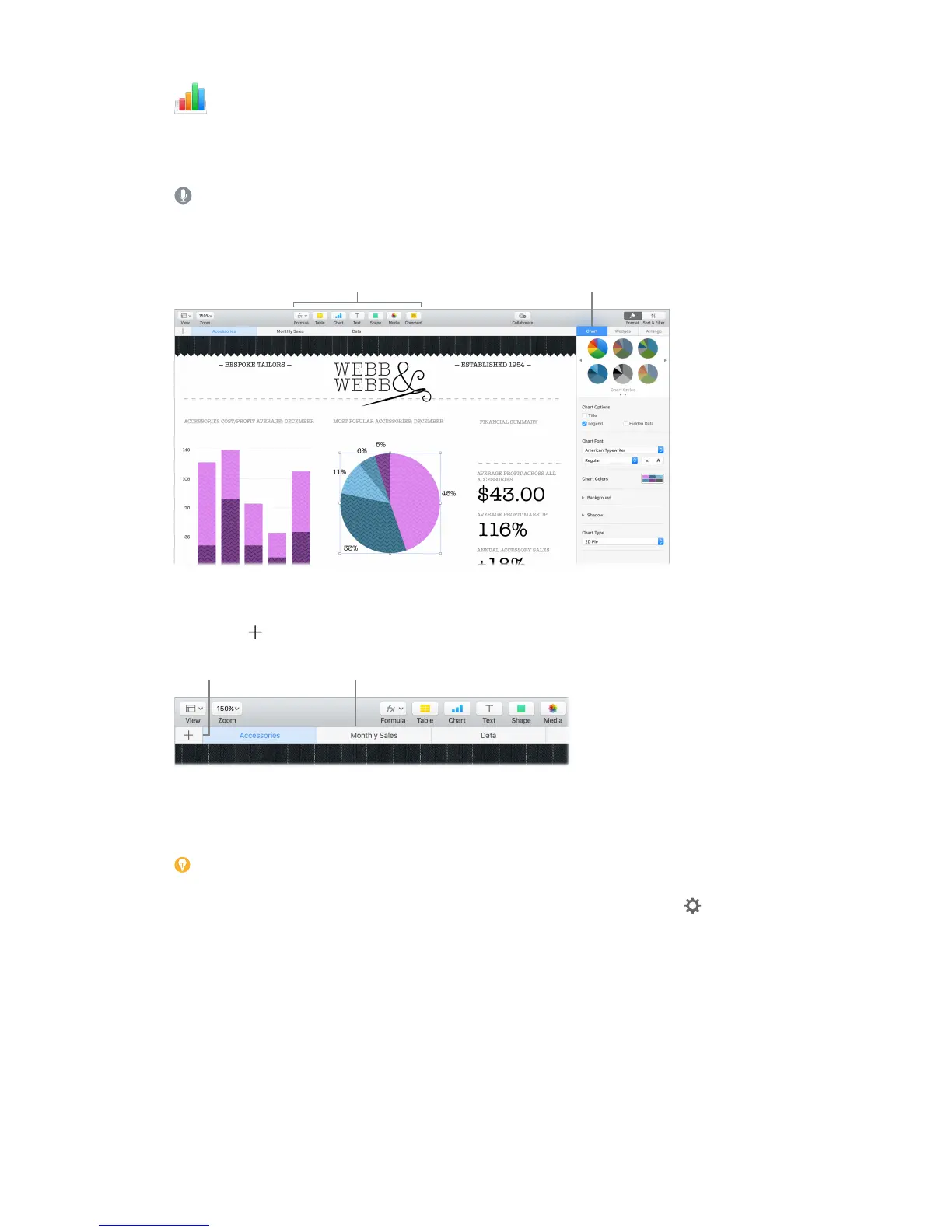
Start with a template—then add what you want. Select the sample text in the template, then
type new text. To add images, drag a graphic le from your Mac onto the placeholder image.
for the selected object.
Get organized with sheets. Use multiple sheets or tabs to show dierent views of your
information. For example, use one sheet for your budget, another for a table, and a third for
notes. Click to add a new sheet. Drag a tab left or right to reorder sheets.
to reorder sheets.
Formulas are a snap. Get built-in help for more than 250 powerful functions—just type the
equal sign (=) in a cell, and you see a list of all the functions and their descriptions in the sidebar.
Start typing a formula to get instant suggestions.
Tip: To get instant calculations based on a series of values, select the range of cells
containing the values, then look down at the bottom of the window. You’ll see the sum, average,
minimum, maximum, and count of the selected values. Click the Settings button to see even
more options.
74% resize factor


 To Next Page
 Loading...