04
MCS2000 by MacAllister
Getting started...
GB
IE
Before you start
Unpack all parts and lay them on a at, stable surface. >
Remove all packing materials and shipping devices if >
applicable.
Make sure the delivery contents are complete and free of any >
damage. If you nd that parts are missing or show damage do not
use the product but contact your dealer. Using an incomplete or
damaged product represents a hazard to people and property.
Ensure that you have all the accessories and tools needed for >
assembly and operation. This also includes suitable personal
protective equipment.
Unpack
19
20
21
22
23
Front handle1.
Front guard/chain brake2.
Saw chain3.
Guide bar4.
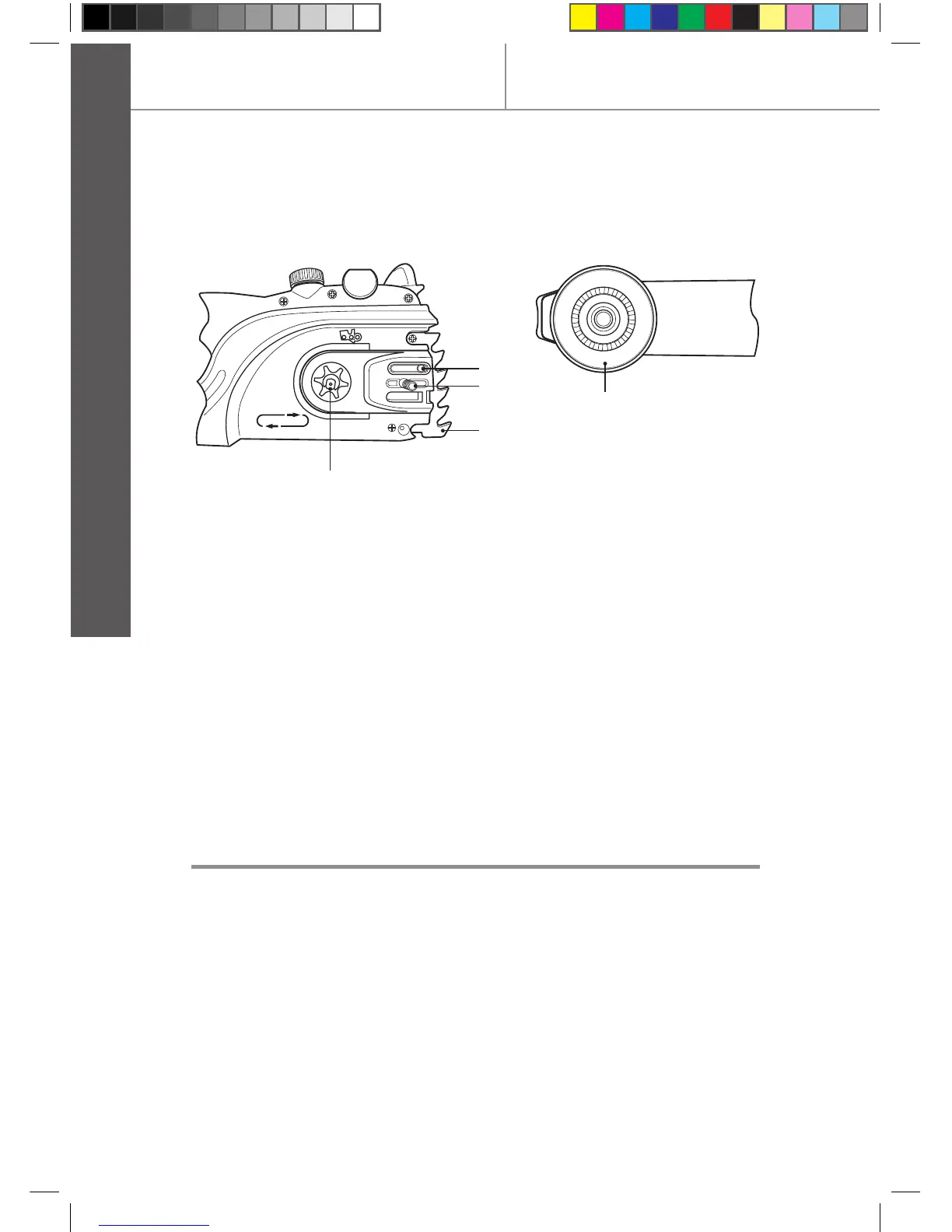
Sprocket nose5.
Guide bar cover6.
Locking wheel7.
Tension wheel8.
Cover9.
Oil level window10.
Power cable with plug11.
Rear handle12.
Oil tank cap13.
Lock-off button14.
On/off switch15.
Cable strain relief16.
Rear guard17.
Air vents18.
Oiling port19.
Bolt20.
Spike bumper21.
Drive sprocket22.
Tension disc23.


 To Next Page