Hard Drive Partition and Format procedures in PC Windows XP/7/Vista:
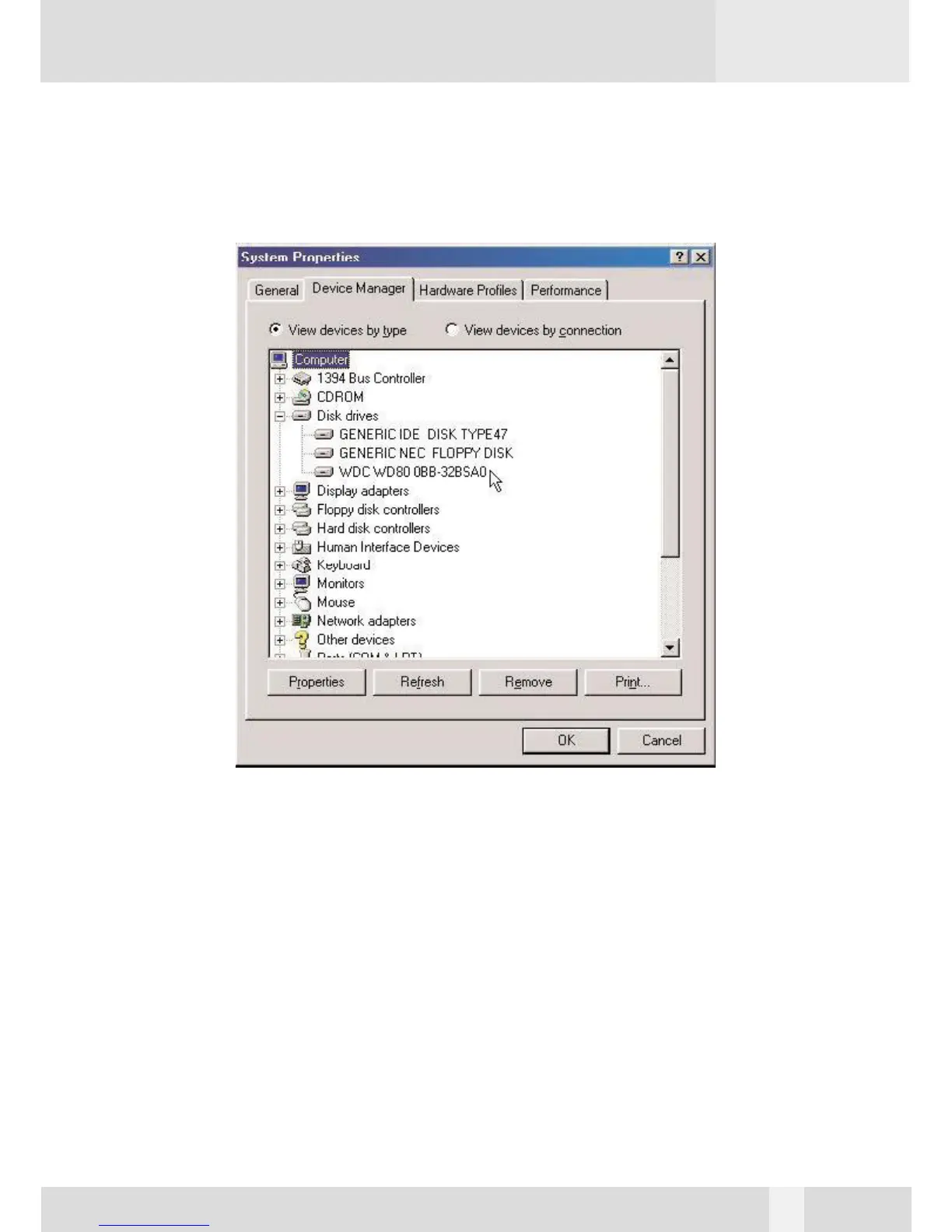
If a new hard disk icon dose not appear in “My Computer”, check device manager under system
in the control panel. Then double click on “Disk Drives” to see if a new entry appears.
If you can see a new entry as shown (Example, WDC WD80 OBB-32BSA0) above, you are ready
to partition and format the drive.
12


 To Next Page