P.7
Using IceCam2 under MacOS X 10.4.11 and 10.5.x
IceCam2 is a UVC device, it uses and installs necessary drivers from OS automati-
cally. All you need to do is to plug IceCam2 into a USB 2.0 port in the computer, and
clip it securely on the top of flat panel monitor or the location you prefer. When this
manual is written in March 2008, IceCam2 is tested and fully supports Apple iChat
and Skype. We recommend you to download the latest video conferences software
update available to your OS. As the software develops, the User Interface might
change as well. Below installation guides are for reference only.
iChat
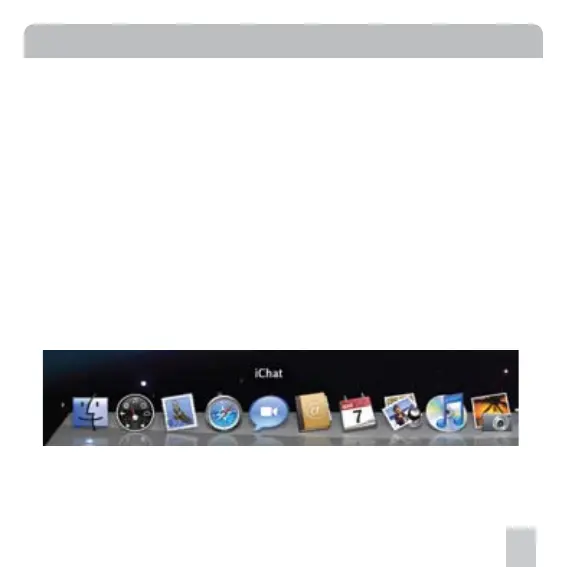
1. Connect your Mac to Internet. Click iChat icon on the Dock or from Applications
to launch iChat. iChat Buddy List window will show on the desktop. Login to iChat.
Installation


 To Next Page