P0010/082016/Rev.0.0 95
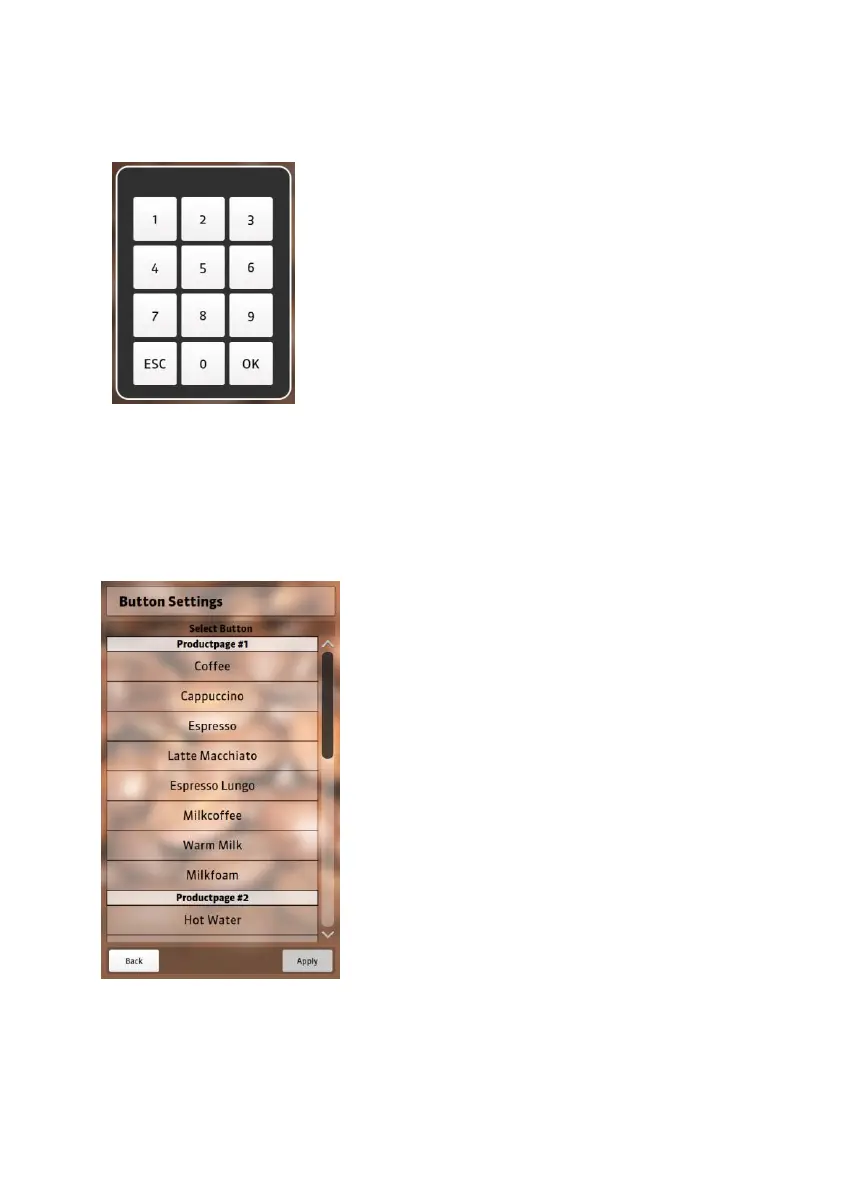
2. Enter the owner code 1122 and confirm by pressing “OK”.
3. Select “Settings” in the main menu.
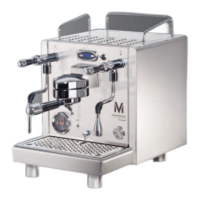
4. Select “Button Settings” to see all the preset beverages that are
listed on the product pages.
5. Select the drink that you would like
to change. For example: if you
would like to change an coffee to
milk coffee, select “Coffee” and
NEVIS will show you a list of pre-
installed coffee recipes.


 To Next Page