P0010/082016/Rev.0.0 99
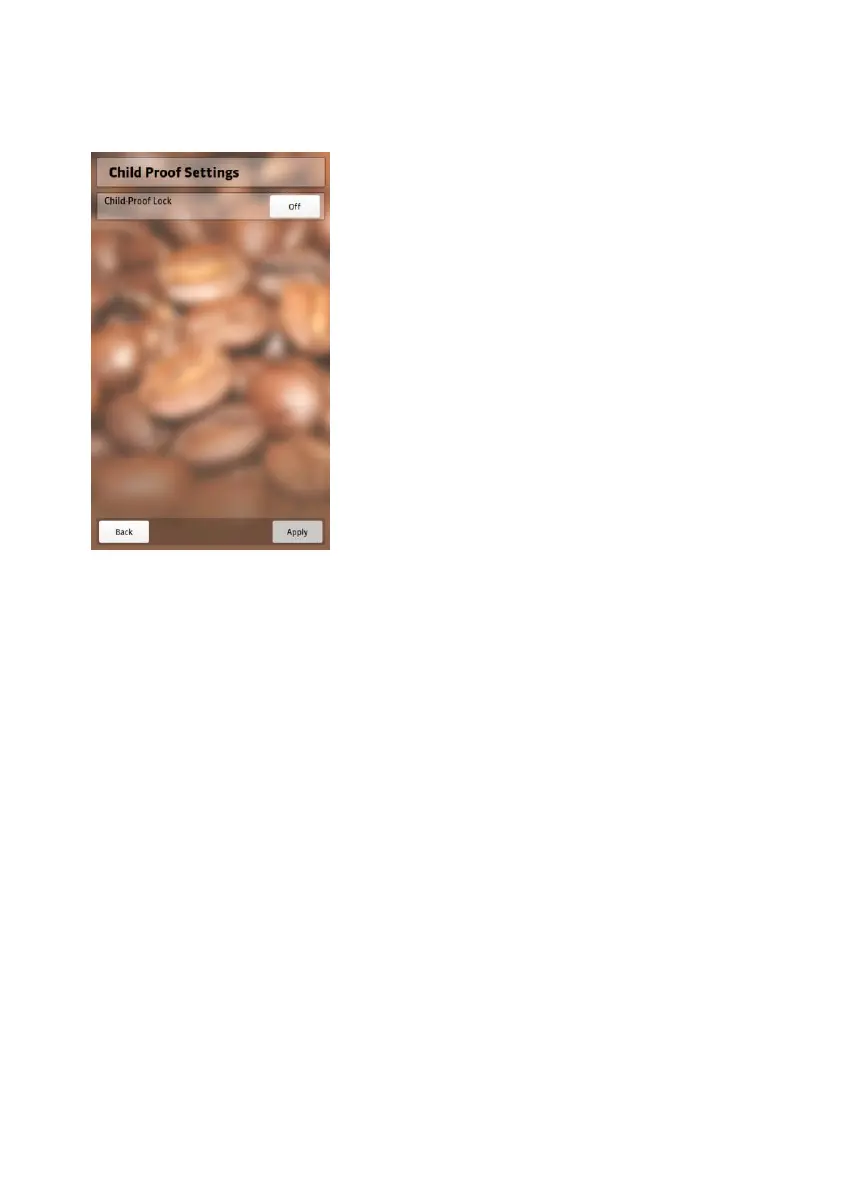
You can activate “Saveguard” here.
1. Select “OFF”
You can type in a 4 digit code in the
four bars that will appear.
2. Enter a 4 digit code.
3. Confirm and save changes by chosing
“Apply”.
You have now activated “Saveguard”.
NEVIS will now always ask you for the code when restarting or resuming
operation from sleep mode.
To deactivate “Saveguard” repeat steps 1 through 5 and select the “ON”
button.
“Saveguard” has now been deactivated.
Note: In case you forgot your “Saveguard” code, you can
unlock “Saveguard” by entering the following code
twice: 11221122 (2 x Owner-Code).


 To Next Page