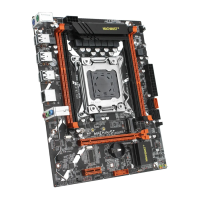
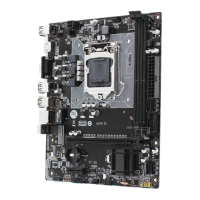
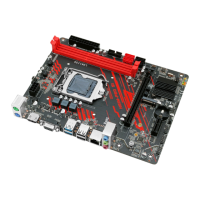
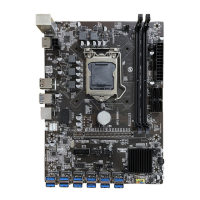
Any problem, please feel free to contact us.
Install Memory
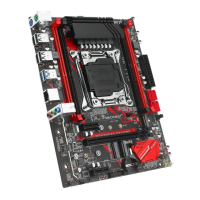
The motherboard provides 4 DDR4 ECC DIMM slots with a maximum capacity of 64GB.
1. Wrench the latches on both sides of the memory slot outwards.
2. Insert the memory into the slot by aligning it with the notch in the slot.
3. Flip the latches on both sides of the slot to lock the memory.
Important
• Make sure that the motherboard supports the memory. It is recommended that memory
of the same capacity, brand, speed, and chips be used.
• Always turn off the computer and unplug the power cord from the power outlet before
installing the memory to prevent hardware damage.
• Memory modules have a foolproof design. A memory module can be installed in only one
direction. If you are unable to insert the memory, switch the direction.
• The stability and compatibility of the installed memory module depend on the installed
CPU and devices when overclocking.
• This motherboard provides two memory sockets and supports 4 Channel Technology.
4-Channel mode cannot be enabled if only one memory module is installed.
(Note: Server memory and desktop memory cannot be used together.)


 To Next Page
 Loading...