Take Apart Hard Drive - 19
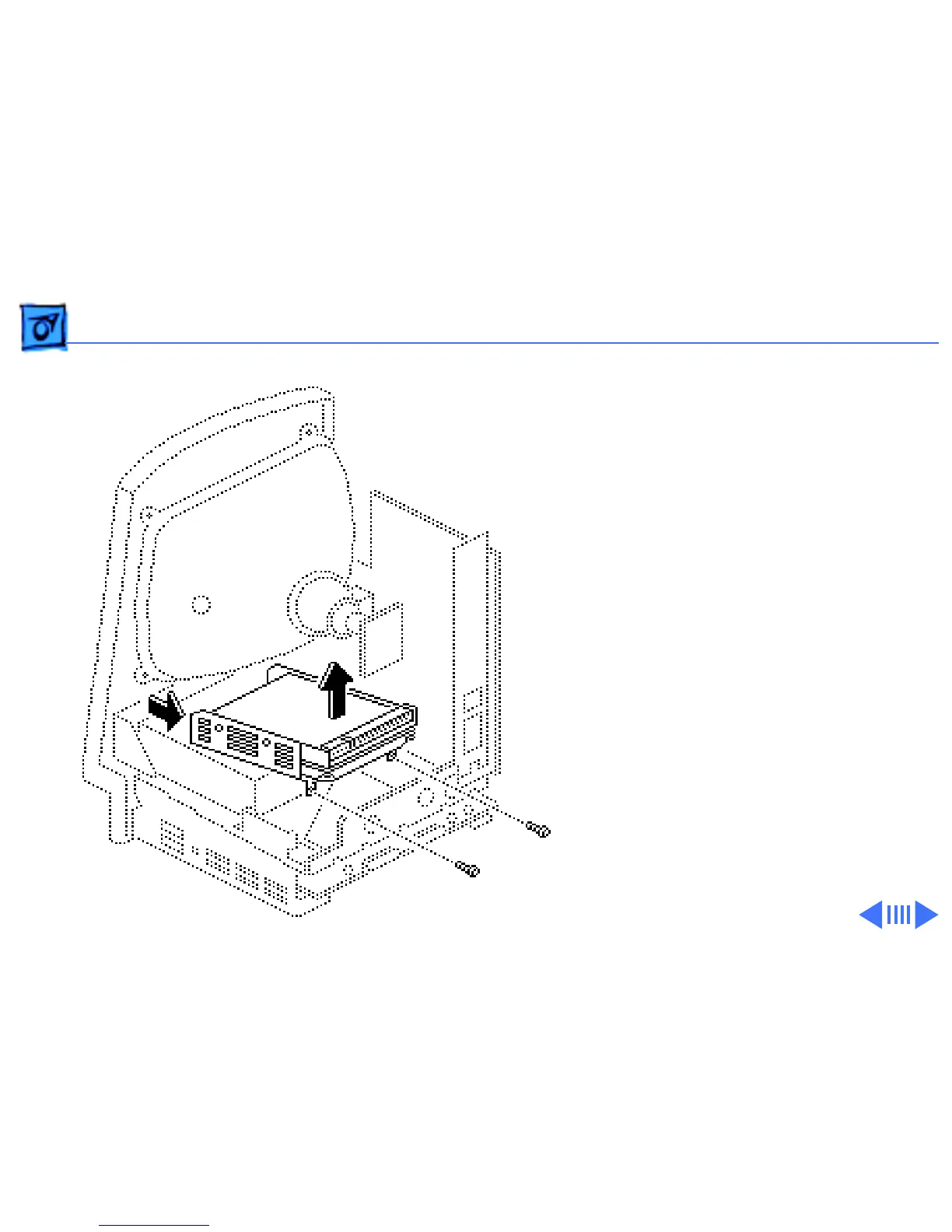
3 Remove the two Phillips
screws that secure the
hard drive housing to the
floppy drive housing and
lift out the hard drive
assembly.
Replacement Note:
If you
are removing a hard drive
from the system but not
installing a new one, install
a SCSI terminator on the
logic board SCSI connector.
To insert the terminator,
line up the white key icon
with the notch in the cable
connector.



 To Next Page