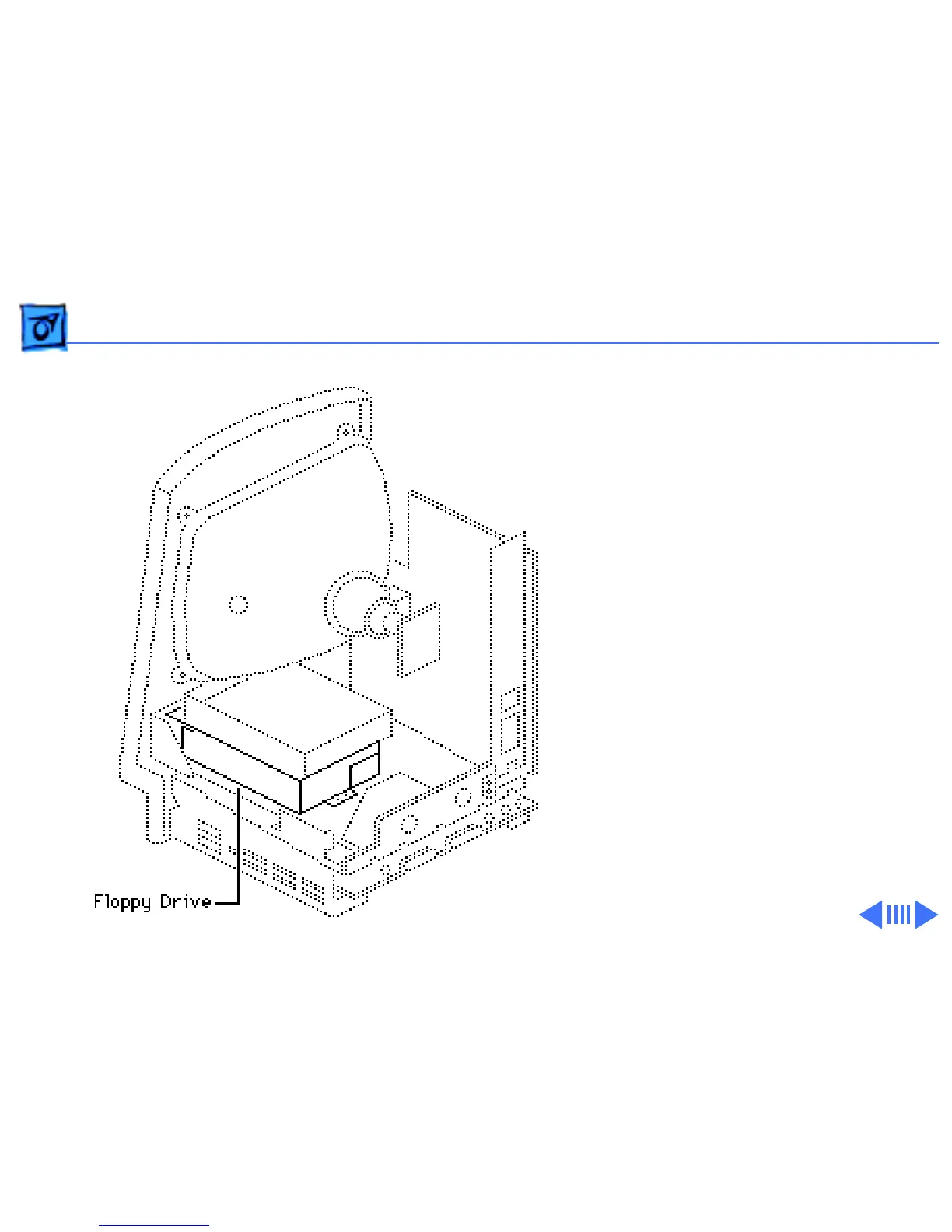
Take Apart Floppy Drive - 21
Floppy Drive
Before you begin:
• Remove the cover
• Discharge the CRT
• Remove the hard drive
• Remove the logic board
±
Warning:
This product
contains high voltage and a
high-vacuum picture tube.
To prevent serious personal
injury or equipment
damage, review CRT safety
and discharge instructions
in Bulletins/Safety.
Caution:
To prevent ESD



 To Next Page