Adjustments Light Meter Setup - 3
Model 246
Note:
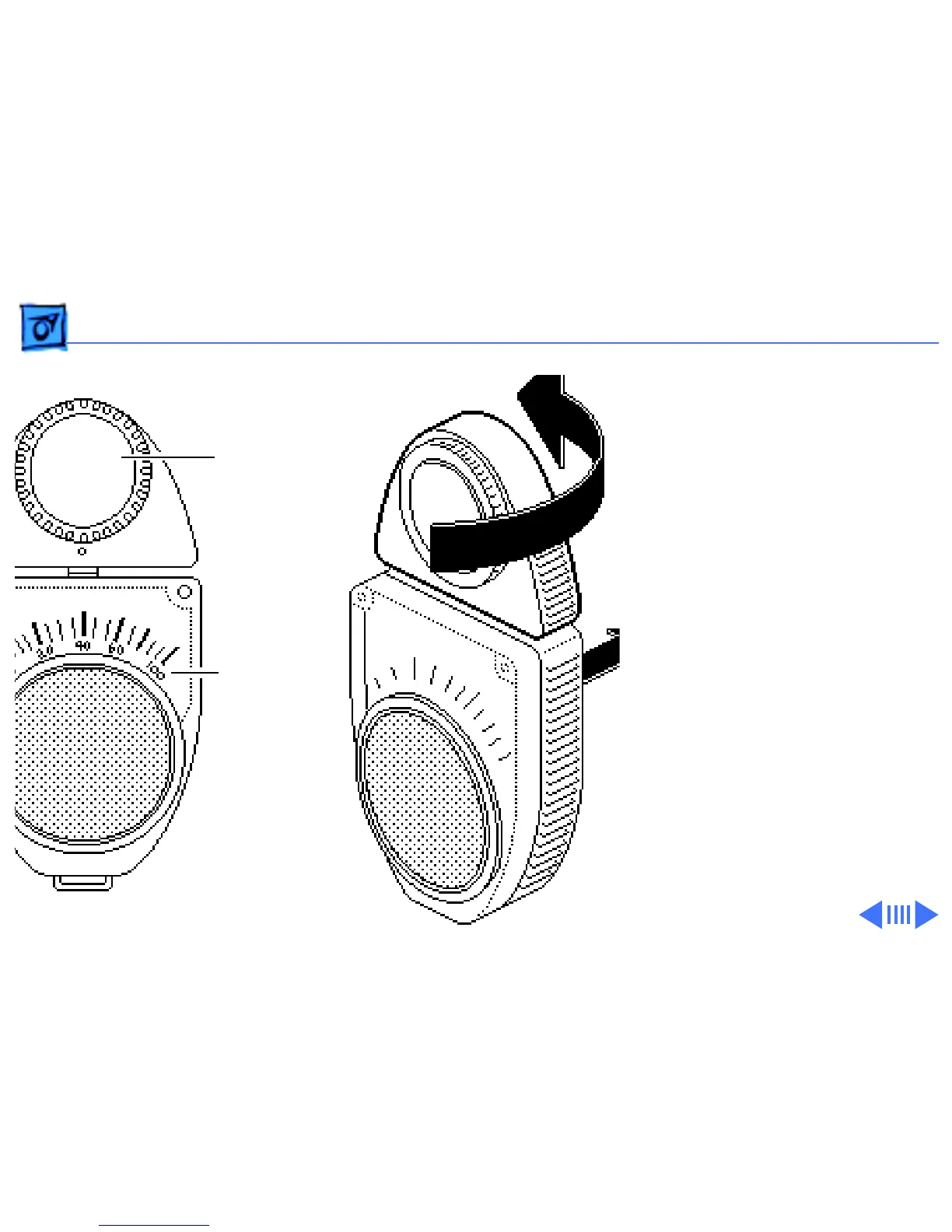
Remove the metal
slide, if installed, from the
top of the light meter.
Install the white lens with
the red dot.
1 Rotate the lens for the
meter so the lens faces
the monitor and the scale
faces you.
2 Use your hand to shield
the lens from ambient
light.
3 Place the lens against the
middle of an all-white
screen.
Lens
Red Scale



 To Next Page