MAINSTREAM COMPLETE LIVE STREAMING & VIDEO CAPTURE INTERFACE WITH PROGRAMMABLE CONTROL KEYS
4
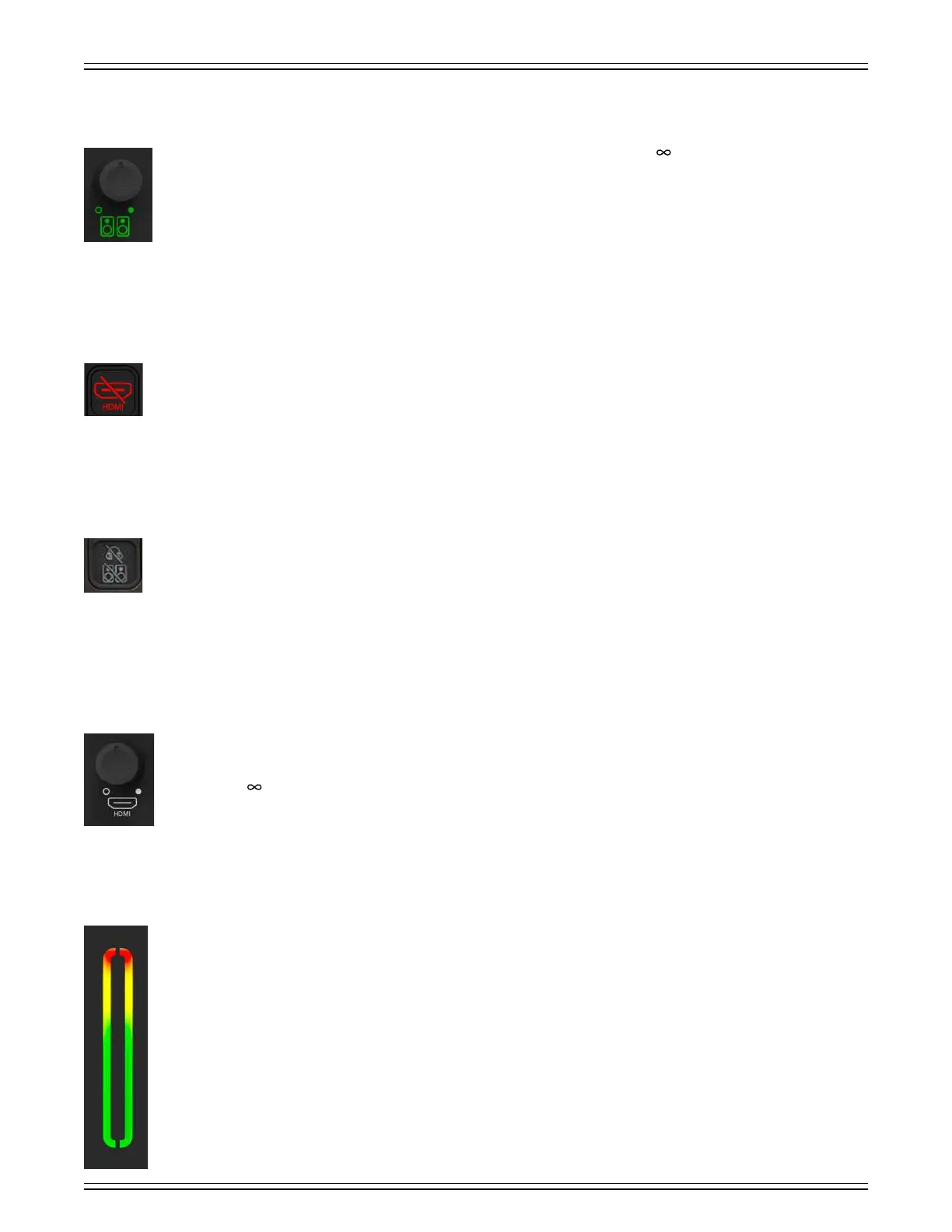
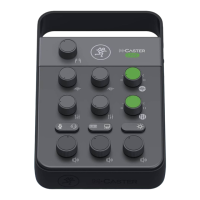
Monitor Level Control Knob
This knob controls the output volume for the monitors with the level ranging from a low of (o, far-lef) to maximum
gain (max, far-right). The signal at this output is a stereo mix of all inputs. This includes channel unless the direct monitor
switch is disengaged.
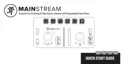
HDMI Audio Mute Button
Mute switches do just what they sound like they do. They turn o the signal by “routing” it into oblivion. Pressing this button
mutes the HDMI audio that is sent to the headphones, monitors, and mix minus. Engaging the HDMI audio mute button (almost)
provides the same results as turning the HDMI audio level control knob all the way down.
Mute buttons illuminate red when engaged (as seen to the lef).
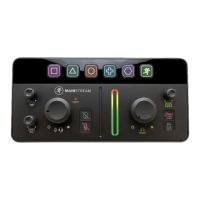
Headphone/Monitor Mute Button
Mute switches do just what they sound like they do. They turn o the signal by “routing” it into oblivion. Pressing this button
mutes the headphone and monitor outputs that is sent to the /4" headphone output, /8" headset output, and /4" monitor
outputs. Engaging the headphone/monitor mute button (almost) provides the same results as turning the headphone
and monitor level control knobs all the way down.
Mute buttons illuminate red when engaged.
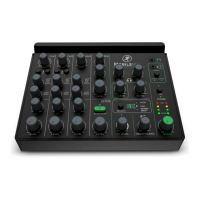
HDMI Audio Level Control Knob
This knob is used to adjust the input volume of the HDMI audio to the headphones, monitors, and mix minus outputs.
For the proper setting, we suggest rotating this knob fully-clockwise, its max level. Then turn down if needed.
It ranges from (o) to maximum gain (max).
Main Meters
The output meter displays the output signal level, presented in stereo. This meter should remain green with the occasional
bump into the yellow zone. If the meters remain constantly yellow (or there’s any red clipping), lower the output until it’s
gone and check the input levels, as well.
Red [clipping] = Overload (OL)
Yellow = +4 dBu to +5 dBu
Green [bottom] = –30 dBu to +3 dBu
The output meters reflect the audio signal of the headphones post-headphone output level knob.



 To Next Page